
Hatsune Miku Minecraft Skins
Browse the best Hatsune Miku Minecraft skins featuring the iconic teal twin-tails, headset, and futuristic outfit. Download high-quality Miku skins for Java and Bedrock.
74 skins total, page 1 of 2
Hatsune Miku is the most recognizable virtual idol in the world, and her skins are among the most popular anime-style designs in Minecraft. The signature teal twin-tails, futuristic outfit, and clean color palette translate beautifully into Minecraft's pixel art style. Whether you're building a concert stage, joining a Vocaloid fan server, or simply love the bright teal aesthetic, a Miku skin delivers instant recognition and a polished, energetic look.
Browse 74 Hatsune Miku Minecraft Skins
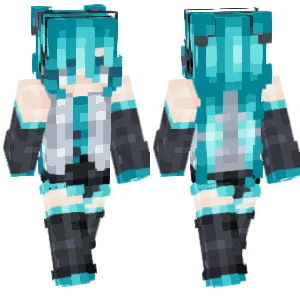
Hatsune Miku
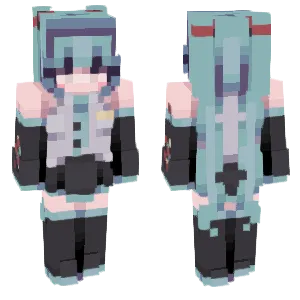
Hatsune Miku
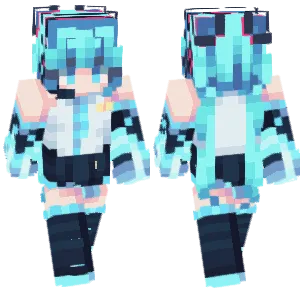
hatsune miku

Hatsune Miku

Hatsune Miku
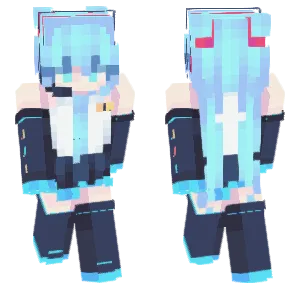
miku
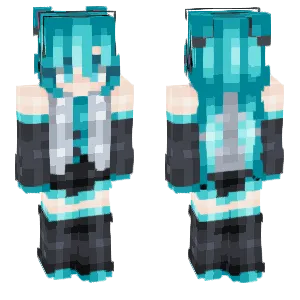
Hatsune Miku

Hatsune Miku
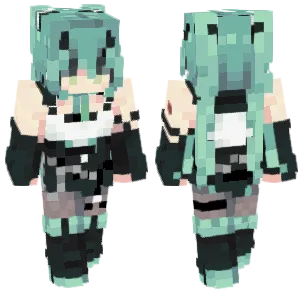
Hatsune Miku

Hatsune Miku
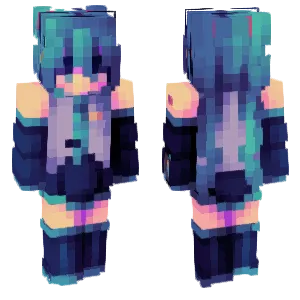
hatsune miku ! (pce)

miku miku
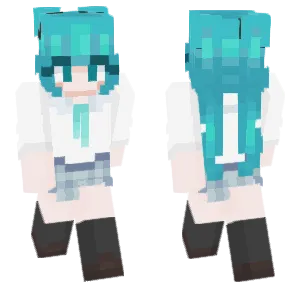
Hatsune Miku
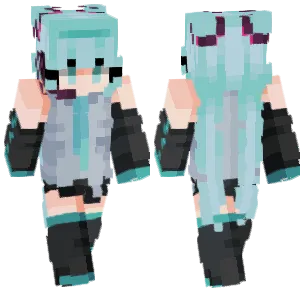
Hatsune Miku!

miku

Hatsune Miku
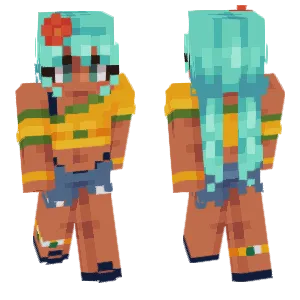
I love Brazil (Hatsune Miku)
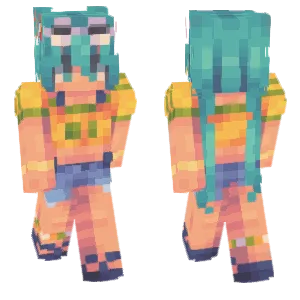
⚽ Hatsune Miku

hatsune miku

Hatsune Miku in school

.:Miku, Miku, Watashi Wa Miku:.

Miku
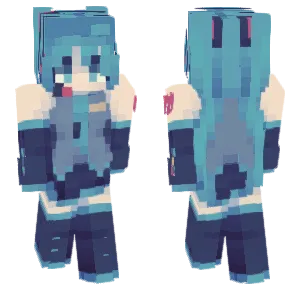
Hatsune Miku v2

Hatsune Miku

maneki miku

miku

hatsune miku

Hatsune Miku

Hatsune Miku

~Hatsune Miku~
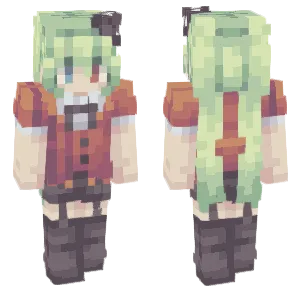
Spring version of Hatsune Miku
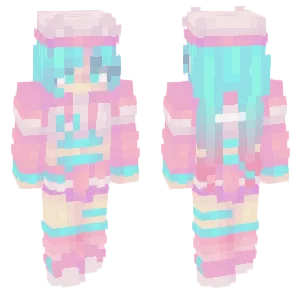
~Neko Miku~

- the disappearance of hatsune miku -

. : . Hatsune Miku . : .

. miku miku beam .

+ miku +
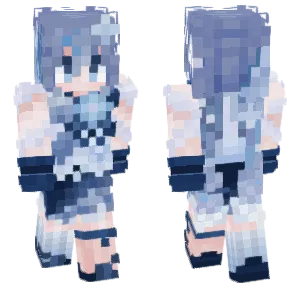
Snow Miku

another miku

Miku

~ You can call me Miku! ~

hatsune miku
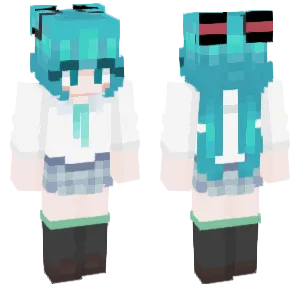
Hatsune Miku
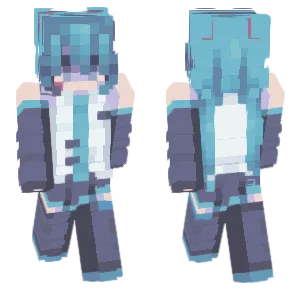
hatsune miku
Hatsune Miku

| miku ;
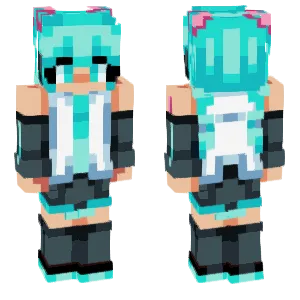
Hatsune Miku
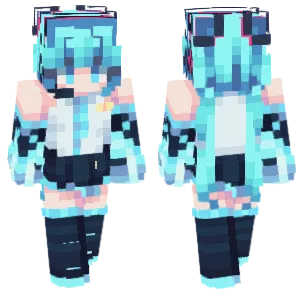
Hatsune Miku

ORen-Hatsune Miku
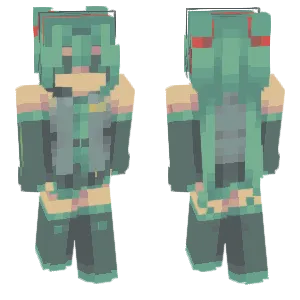
im thinking miku miku oo ee oo
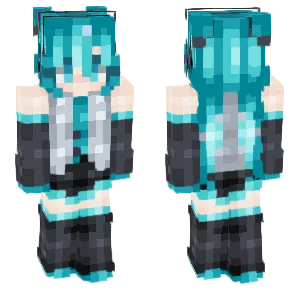
Hatsune Miku
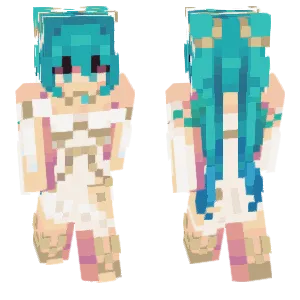
Vocaloid: .Hatsune Miku. [ft. Yoneyam...
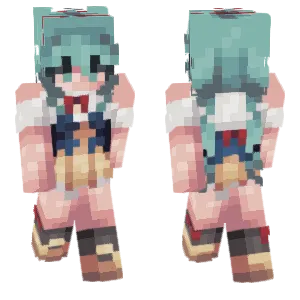
Hatsune Miku Wonderland Snow...
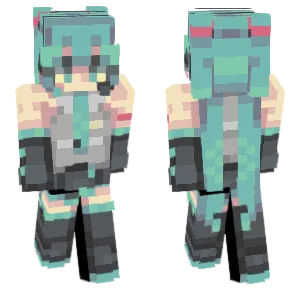
hatsune miku

Hatsune Miku
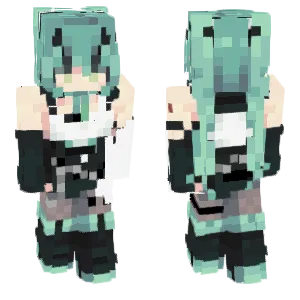
Hatsune Miku
Tina
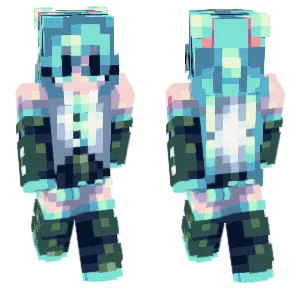
miku
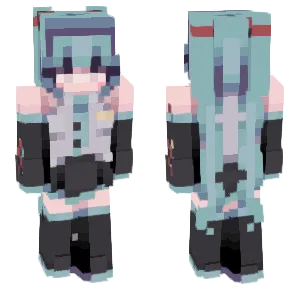
Hatsune Miku

-Hatsune Miku-
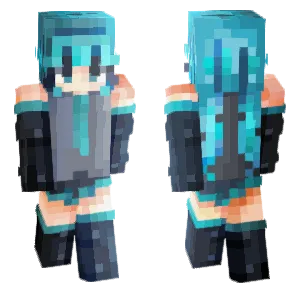
miku .
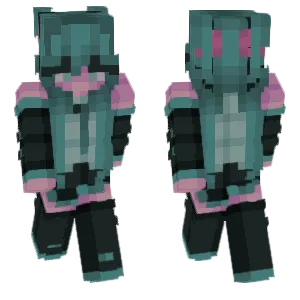
- Hatsune Miku -
What Makes a Good Minecraft Skin
A well-designed Hatsune Miku Minecraft skin captures the character's signature visual elements:
- Twin-Tails: The long teal pigtails are Miku's most recognizable feature. Quality skins show the twin-tails clearly from both front and back views, with clean edges that read as distinct hair shapes rather than blurry masses.
- Headset & Microphone: The black headset with a small microphone element appears on both sides of the head. Look for skins that include this detail without making it too bulky or noisy.
- Outfit Structure: The classic outfit includes a gray sleeveless top, black detached sleeves with teal trim, a black skirt/shorts, and thigh-high boots. Quality skins maintain these elements with clean pixel lines and proper wrapping.
- Teal Consistency: The teal color should be consistent across hair and accent trim. Muddy or inconsistent teal tones break the character's visual unity. The best skins use 2-3 teal shades (dark, base, highlight) that feel like the same color family.
Popular Minecraft Skin Styles
Hatsune Miku skins come in many variations reflecting her massive fan community:
- Classic/Default: The original gray-and-teal outfit from her official design. Best for instant recognition and general use.
- Module Costumes: Alternate outfits from Project DIVA games—Racing Miku, Snow Miku, Sakura Miku, and many more. Each has distinct colors and accessories.
- Chibi/Simplified: Smaller, cuter proportions with simplified details. Popular for players who want a Miku-themed skin without complex textures.
- Concert/Stage: More elaborate costumes with extra accessories, often featuring glow effects or special color schemes from live concert holograms.
- Casual/Fan Designs: Miku in everyday clothes—hoodies, school uniforms, or modern streetwear—while keeping the signature teal hair.
About Hatsune Miku
Hatsune Miku was released in 2007 by Crypton Future Media as a voice bank for the Vocaloid software. Unlike traditional musicians, Miku is a virtual character whose voice is synthesized from recorded samples of voice actress Saki Fujita.
What started as music software became a global phenomenon. Miku has performed as a hologram at sold-out concerts worldwide, collaborated with major artists, appeared in video games, and inspired millions of fan-created songs and artworks. Her open-source nature—anyone can create songs using her voice—built one of the largest creative fan communities in the world.
In Minecraft communities, Miku skins are popular because her design principles align perfectly with pixel art: distinct colors, clear shapes, and a silhouette that works at small scales. The teal hair makes her instantly recognizable even from a distance.
How to Choose the Best Minecraft Skin
When selecting a Hatsune Miku skin, check these key points:
- Twin-tail clarity: Rotate the preview and check the back view. The twin-tails should be clearly visible as separate hair shapes, not merged into the back or lost in shading.
- Headset visibility: The headset detail should be present on both sides of the head without being too bulky. If it looks like random dark pixels, the skin may be poorly executed.
- Teal consistency: Check that the teal color matches between hair and outfit accents. Inconsistent teal tones suggest a rushed edit rather than careful design.
- Sleeve and seam alignment: The detached sleeves should wrap cleanly around the arms. Check the side view for alignment issues at the arm-torso seams.
- Model choice: Miku skins often look better on slim (Alex) arms because the outfit includes detached sleeves. Verify which model the skin was designed for.
Tips for Minecraft Skin Creators
For skin creators working on Hatsune Miku designs:
Start with the hair. Block in the teal mass first, then shape the twin-tails. Use 2-3 teal tones (dark base, mid-tone, highlight) and keep the hairline edges clean. The twin-tails should be distinct shapes on the back texture.
Headset placement matters. Add the headset as a thin dark band across the head with a small microphone detail on one or both sides. Keep it subtle—it should read as "headset" without dominating the head texture.
Outfit structure first. Block in the gray top, black sleeves, and black skirt/shorts before adding trim details. Make sure the teal accents align with the classic outfit design.
Detached sleeves need care. The sleeves should look separate from the torso. Use a gap pixel or color contrast at the shoulder area to suggest they're detached rather than attached.
Test the back view. The twin-tails are visible from behind in third-person. Make sure they're the dominant feature on the back and don't get lost in outfit details.
Slim arms recommended. The outfit's detached-sleeve design usually looks better on Alex model arms. Design for slim first, then adapt for classic if needed.