
Batman Minecraft Skins
Browse the best Batman Minecraft skins featuring the Dark Knight's iconic cowl, cape, and Gotham-inspired designs. Download high-quality Batman skins for Java and Bedrock.
21 skins total, page 1 of 1
Batman is one of the most iconic superhero skins in Minecraft. The Dark Knight's distinctive silhouette—pointed cowl ears, flowing cape, and dark color scheme—translates naturally into Minecraft's blocky world. Whether you're building a Gotham City server, engaging in superhero roleplay, or simply want a sleek, intimidating look for PvP, a Batman skin delivers instant recognition and timeless style.
Browse 21 Batman Minecraft Skins
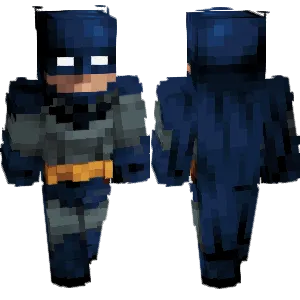
Batman

Batman
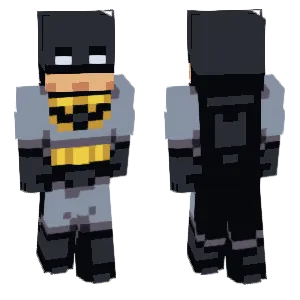
Gold Batman
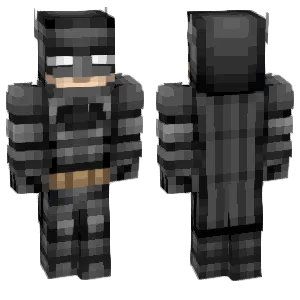
Batman
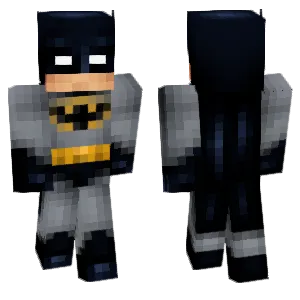
Batman
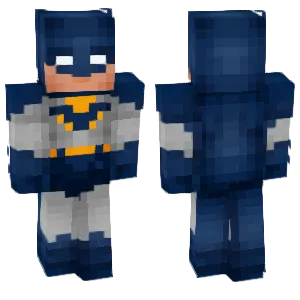
batman

Batman

Old Batman
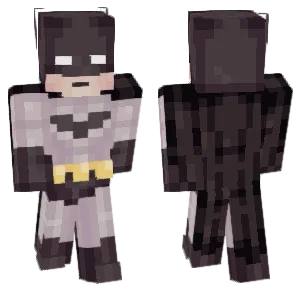
Batman
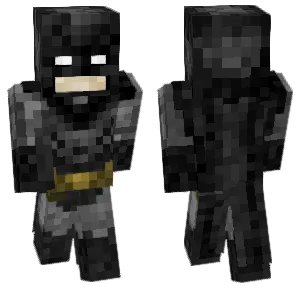
batman🦇

Batman
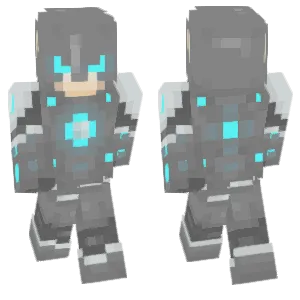
Batman with Future Power

batman
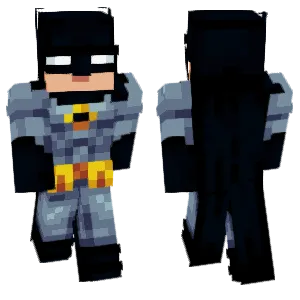
Batman
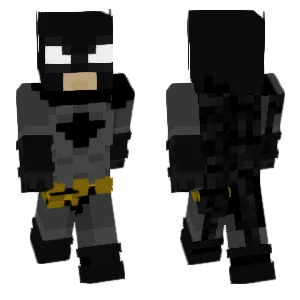
Its Batman
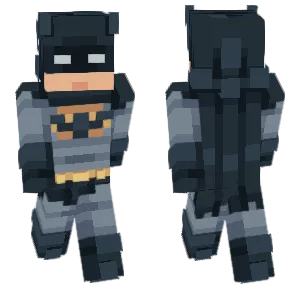
Batman
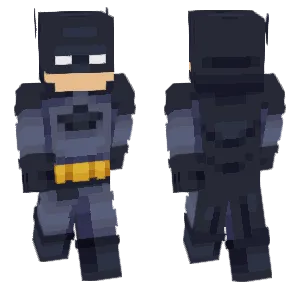
Da BatMan
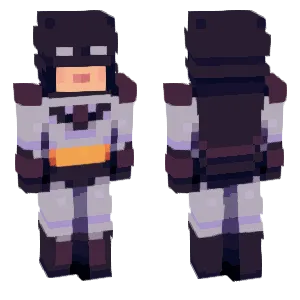
Batman
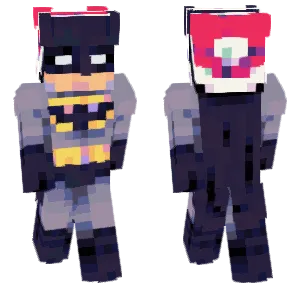
🎄Christmas Batman
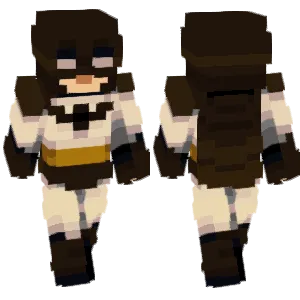
Batman
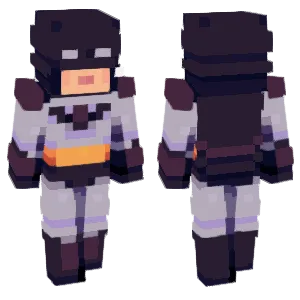
Batman
What Makes a Good Minecraft Skin
A well-designed Batman Minecraft skin captures the character's signature visual elements:
- Cowl & Ears: The pointed bat-ears on the cowl are Batman's most recognizable feature. Look for skins where the ear silhouette is clear on the head texture, and the jawline creates a sharp boundary between mask and exposed chin.
- Cape: The cape defines Batman's back view. Quality skins use layered dark grays to suggest cape folds rather than a flat black block. The cape should read clearly when viewed from behind.
- Chest Emblem: Whether it's the classic yellow oval, the modern black bat symbol, or an armored chest plate, the torso needs a focal point. The emblem should be centered and readable.
- Color Palette: Pure black flattens in caves and at night. The best Batman skins use 2-3 dark gray tones to maintain depth and readability across all lighting conditions. A yellow or gold accent (belt, emblem outline) helps break up the dark mass.
Popular Minecraft Skin Styles
Batman skins come in many styles reflecting the character's 80+ year history:
- Classic Comic: Blue-gray cape and cowl with the yellow oval bat symbol. Brighter and more readable than film versions.
- The Dark Knight (Nolan Films): Tactical black armor with subtle panel lines. Minimal color, maximum intimidation.
- Arkham Series: Detailed armor plating inspired by the video games. Often includes visible gauntlets and armored chest plates.
- Batman Beyond: Futuristic red-and-black design for players who want something different from the classic look.
- The Batman (2022): Rougher, more DIY-looking armor with a distinctive chest emblem shape.
- Animated Series: Clean lines and simplified shapes inspired by the 1990s cartoon. Often uses the classic blue-gray palette.
About Batman
Batman first appeared in Detective Comics #27 (1939), created by Bob Kane and Bill Finger. Bruce Wayne, a billionaire orphan who witnessed his parents' murder, trains himself to peak physical and mental condition and adopts the bat persona to fight crime in Gotham City.
Unlike most superheroes, Batman has no superpowers—his appeal comes from human determination, detective skills, and an arsenal of gadgets. This grounded approach has kept the character relevant across comics, animated series, and blockbuster films from Tim Burton's 1989 Batman to Christopher Nolan's Dark Knight trilogy to Matt Reeves' 2022 interpretation.
In Minecraft, Batman skins are popular because the design principles work perfectly at low resolution: a strong silhouette, a limited dark palette, and iconic shape language (ears, cape, emblem) that reads instantly even from a distance.
How to Choose the Best Minecraft Skin
When selecting a Batman skin, check these key points:
- Rotate the preview: The cape is critical. Many Batman skins look great from the front but have a flat, unfinished back. Look for skins with visible cape folds or shading on the back texture.
- Check the ears: The cowl ears should be clearly visible on the head. If they blend into the head or look like generic horns, the skin loses the Batman identity.
- Test in dark areas: Batman skins are dark by design, but they shouldn't disappear in caves. Quality skins use enough gray variation to stay readable in low light.
- Verify the emblem: Whether yellow oval, black bat, or armored plate, the chest should have a clear focal point. A solid black torso looks unfinished.
- Match your style: Tactical armor versions work for PvP and survival. Classic comic versions work for roleplay and lighter servers. Pick the era that fits your use case.
Tips for Minecraft Skin Creators
For skin creators working on Batman designs:
Start with the cowl. The head texture defines the character. Block in the ear shapes first, then add the jawline edge. The eyes can be white slits or dark—both work, but keep them symmetrical.
Avoid pure black. Use at least three dark tones: a near-black base, a dark gray mid-tone, and a slightly lighter gray for highlights. This keeps the suit readable without losing the "dark" feel.
Cape shading matters. The back texture is where most Batman skins fail. Add 2-3 horizontal bands of slightly different grays to suggest cape folds. Don't over-texture with noisy patterns.
One accent color is enough. Yellow or gold for the belt and/or emblem outline. Adding more colors dilutes the intimidating monochrome look.
Test the silhouette. Zoom out and check if the ears and cape shape are still recognizable. If the character could be any dark-suited figure, add more contrast to the key identity markers.
Back view discipline. Players behind you in multiplayer will see the cape constantly. Spend as much time on the back as the front.