
Herobrine Minecraft Skins
Browse the best Herobrine Minecraft skins featuring the legendary white-eyed figure. Download high-quality creepypasta skins with glowing eyes and haunted variations.
155 skins total, page 1 of 3
Herobrine is the most legendary figure in Minecraft history—a supposed ghost or supernatural entity said to haunt single-player worlds. Despite never actually existing in the game code, Herobrine has become one of the most recognizable and requested Minecraft skins of all time. His simple yet unsettling design—default Steve with blank white eyes—makes him perfect for horror-themed servers, creepypasta roleplay, or simply standing out with one of gaming's most iconic urban legends. Whether you want to spook your friends or pay homage to Minecraft's greatest mystery, a Herobrine skin delivers instant recognition.
Browse 155 Herobrine Minecraft Skins
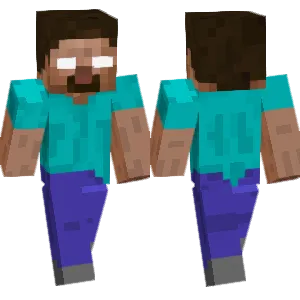
Herobrine (Classic) Fixed
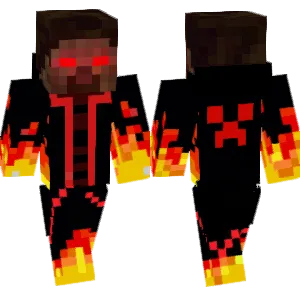
Mad Fire Herobrine

Herobrine: Xbox One Edition Minecraft
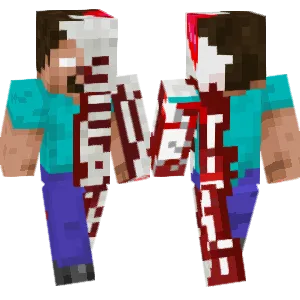
Mutated Herobrine
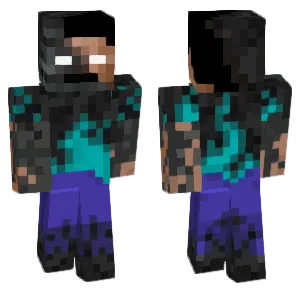
Herobrine
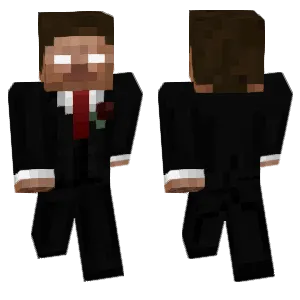
herobrine in a suit

Herobrine with shading
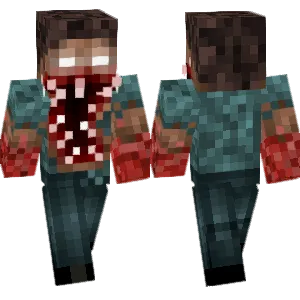
Herobrine
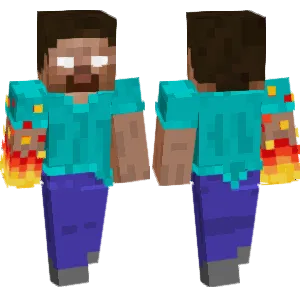
Herobrine Angry State
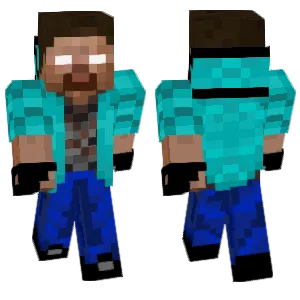
Herobrine
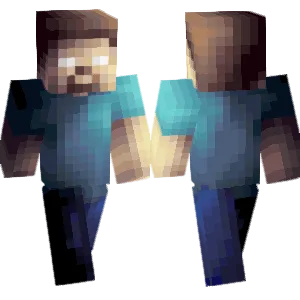
herobrine
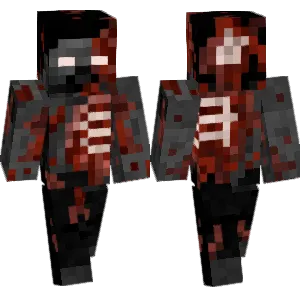
Herobrine Slaughter
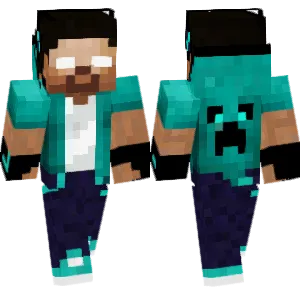
Herobrine
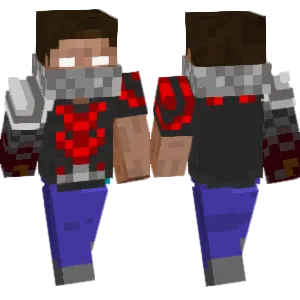
Rainimator-herobrine(改版)
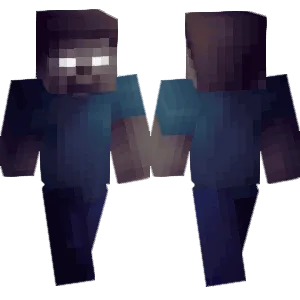
herobrine

Herobrine
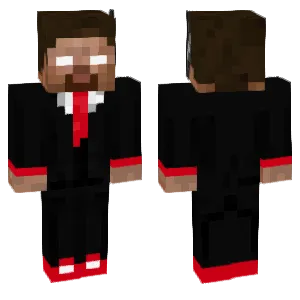
herobrine In a pak

Herobrine
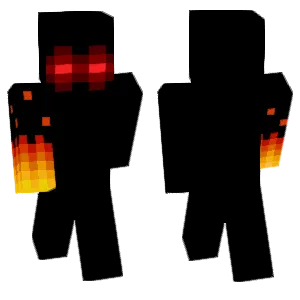
Herobrine in Rage
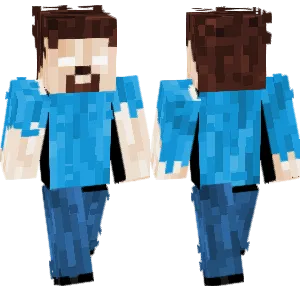
- Herobrine -
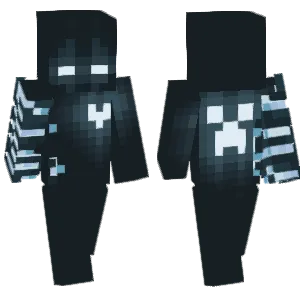
Herobrine with Creeper Mark
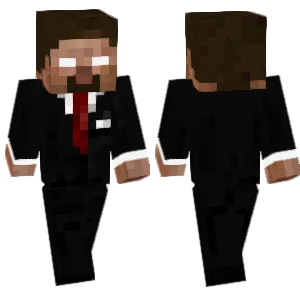
Slim Herobrine Suit
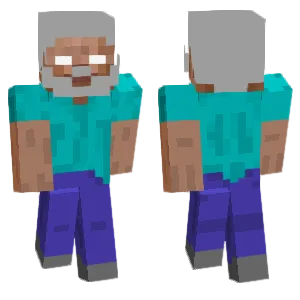
I... Am Herobrine

Herobrine

Toxic Herobrine

HEROBRINE

herobrine

Herobrine
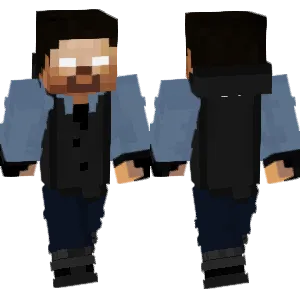
cool blue herobrine
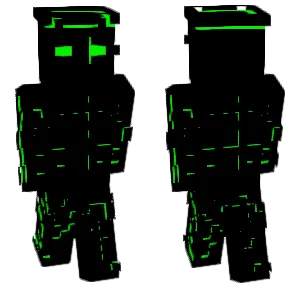
Dark Herobrine
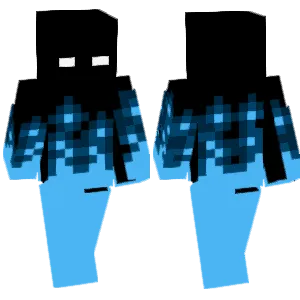
HEROBRINE BURNING IN SOUL FIRE
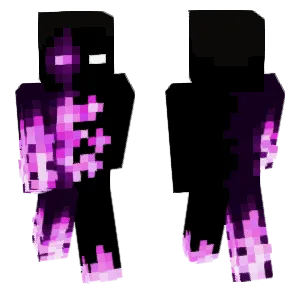
Ender Herobrine

Moustache herobrine

Herobrine V.2
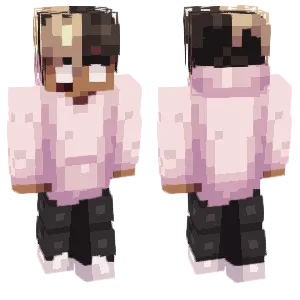
Herobrine's son
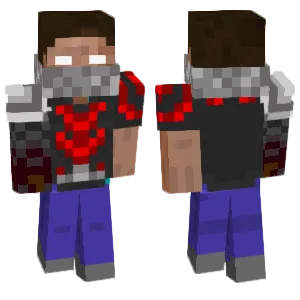
Rainimator-herobrine(改版)
Entity

Rainimator-herobrine(改版)
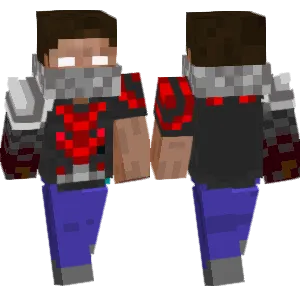
Rainimator-herobrine(改版)
Hirobrine

Herobrine
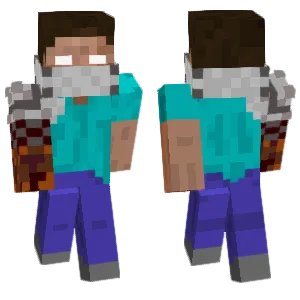
rainimator-herobrine(最终版本)
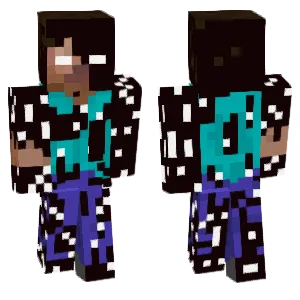

烦人的村民-暗影herobrine

自创herobrine
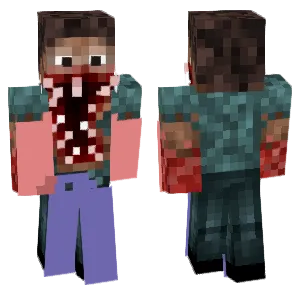
Herobrine
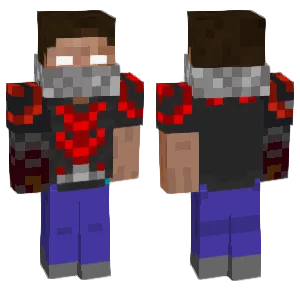
Rainimator-herobrine(改版)

Herobrine
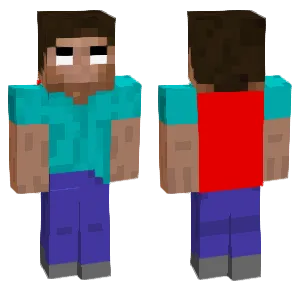
烦人的村民-herobrine本体

Rainimator-herobrine(改版)
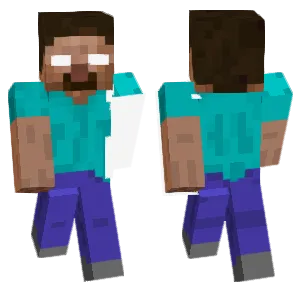
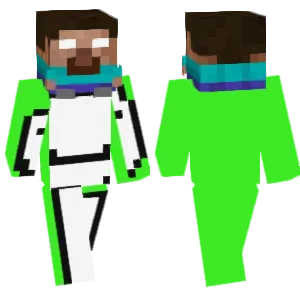
Dream holding Herobrine
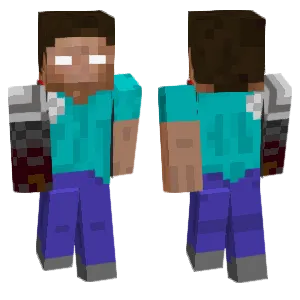
Rainimator-herobrine(改版)
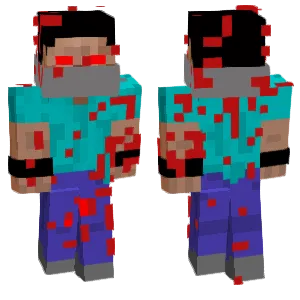
Red Eye Herobrine
Deadpool

Rainimator-herobrine(改版)
steve
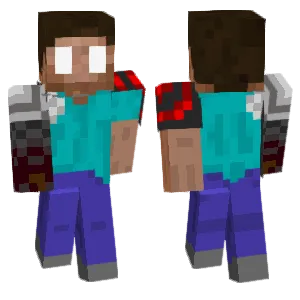
Rainimator-herobrine(room 23版本,但是眼睛太抽象)

Rainimator-herobrine(改版)

him的一生-herobrine(初始版本)

Rainimator-herobrine(改版)
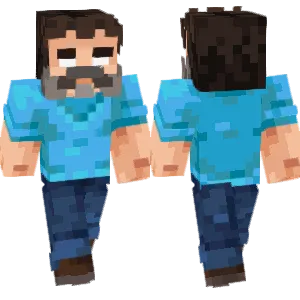
Herobrine

Rainimator-herobrine(改版)
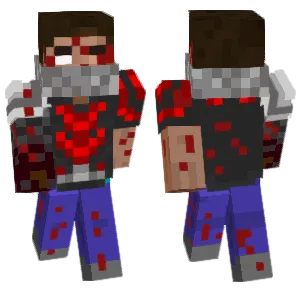
Rainimator-herobrine(改版)
What Makes a Good Minecraft Skin
A quality Herobrine Minecraft skin balances simplicity with eeriness:
- White Eyes: This is the defining feature. The eyes should be completely white or very pale—no pupils, no iris. Some skins add a subtle glow effect around the eyes using lighter pixels, though classic versions keep it stark white against the skin tone.
- Steve Base: Herobrine's body is traditionally identical to the default Steve skin—cyan shirt, blue pants, gray shoes. Authenticity matters here; deviating too far from the Steve template loses the "corrupted default" horror that makes Herobrine unsettling.
- Subtle Differences: Advanced Herobrine skins add barely-noticeable changes—slightly paler skin, faint dark shadows under the eyes, or a marginally different shirt shade. These details reward close inspection while maintaining the "is something wrong?" feeling.
- Expression: Despite the limited pixel space, the mouth area matters. A neutral or slightly downturned expression enhances the uncanny effect. Smiling Herobrine skins feel wrong—he's meant to be emotionless and watching.
Popular Minecraft Skin Styles
Herobrine skins have evolved into several distinct styles:
- Classic Herobrine: Pure Steve with white eyes, nothing else changed. The original and most authentic version. Best for players who want the traditional creepypasta look that started the legend.
- Glowing Eyes: Enhanced versions with bright white or cyan glow effects radiating from the eyes. More dramatic and visible from distance, popular on horror servers.
- Corrupted/Glitched: Skins showing visual corruption—missing pixels, distorted textures, or glitch-art effects. These represent Herobrine as a broken entity within the game's code.
- Hooded Herobrine: Wearing a dark hood or cloak while keeping the white eyes visible. Adds mystery and works well for darker-themed builds.
- Entity 303 Crossover: Blending Herobrine with other Minecraft creepypasta figures. These hybrid designs appeal to horror enthusiasts who enjoy the broader mythology.
- Battle/Armored: Herobrine in diamond or netherite armor, suggesting a powerful antagonist rather than a passive observer. Popular for PvP and adventure maps.
About Herobrine
Herobrine originated from a creepypasta post in 2010, where a player claimed to see a figure resembling Steve with white eyes in their single-player world. The story described strange occurrences—trees with no leaves, 2x2 tunnels, small pyramids in the ocean—attributed to this mysterious entity. A doctored screenshot showing the white-eyed figure sparked immediate fascination.
The legend exploded when a livestreamer named "Copeland" staged a Herobrine sighting, and the story spread across forums and early YouTube. Mojang played along brilliantly—starting with Beta 1.6.6, nearly every Minecraft update changelog included "Removed Herobrine" as a running joke, despite him never being in the game.
Notch, Minecraft's creator, confirmed Herobrine was never real but joked that he was the "dead brother" of Steve. This ambiguity fueled fan theories, mods that actually add Herobrine, countless YouTube videos, and an entire subgenre of Minecraft horror content.
Today, Herobrine represents Minecraft's first major community-created mythology. He's appeared in fan animations, adventure maps, mods, and merchandise. The skin remains one of the most downloaded of all time because it connects players to this shared piece of gaming folklore that defined early Minecraft culture.
How to Choose the Best Minecraft Skin
When selecting a Herobrine skin, consider these points:
- Eye Clarity: The white eyes must be unmistakable. Preview the skin at normal gameplay distance—if the white eyes don't immediately read as "Herobrine," the skin fails its primary purpose.
- Steve Accuracy: For classic Herobrine, compare the body against an actual Steve skin. The cyan shirt color, pants shade, and skin tone should match closely. Inaccuracies break the "corrupted default" effect.
- Variant Intent: Decide what you want—authentic creepypasta feel or creative interpretation. A glowing-eyed armored Herobrine serves different purposes than the subtle classic version.
- Back and Side Views: Rotate the preview. Some skins only modify the front face, leaving the back as plain Steve. Quality skins maintain consistency from all angles.
- Lighting Test: White eyes can appear very different in dark caves versus bright deserts. Check that the eye effect works across lighting conditions without becoming invisible or overly harsh.
Tips for Minecraft Skin Creators
For skin creators working on Herobrine designs:
Start from actual Steve. Download the official Steve skin as your base layer. This ensures accurate colors and proportions before you add the Herobrine modifications.
Eyes are everything. Spend most of your effort on the 4-6 pixels that form each eye. Pure white (#FFFFFF) is traditional, but slightly off-white with the faintest blue tint can add subtle eeriness. Test both approaches.
Restraint creates horror. The temptation is to add blood, scars, or dramatic effects. Resist it. Herobrine's power comes from how normal he looks except for those eyes. The "almost right" quality is scarier than obvious monster designs.
Glow effects require skill. If adding eye glow, use only 2-3 brightness levels radiating outward. Too many glow pixels creates a blob effect rather than supernatural light.
Shadow subtlety. Advanced technique: darken the pixels directly below the eyes by one shade. This suggests the eyes cast their own light source, enhancing the supernatural feel without obvious modification.
Test in-game. Herobrine skins live or die by their in-game presence. Export and test in actual Minecraft—walk around, enter dark spaces, stand next to friends. Adjust until the effect works at real gameplay scale.