
Spider-Man Minecraft Skins
Browse the best Spider-Man Minecraft skins featuring the iconic red-blue suit, web patterns, and mask designs. Download high-quality Spider-Man skins for Java and Bedrock.
107 skins total, page 1 of 2
Spider-Man is one of the most beloved superhero skins in Minecraft. The iconic red-and-blue suit with web patterns, the expressive mask with large white eyes, and the athletic silhouette translate beautifully into Minecraft's pixel art style. Whether you're swinging through builds on a superhero server, engaging in PvP with a recognizable look, or simply love Marvel's most famous wall-crawler, a Spider-Man skin delivers instant recognition and dynamic visual appeal.
Browse 107 Spider-Man Minecraft Skins
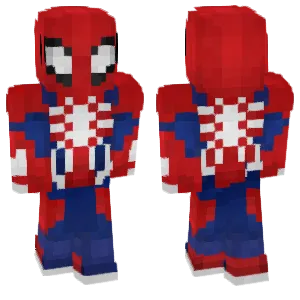
Spider-Man
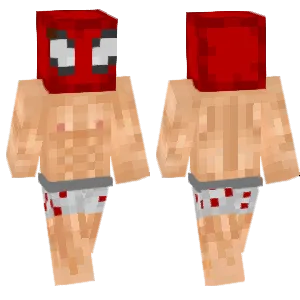
~Spiderman(undies)~
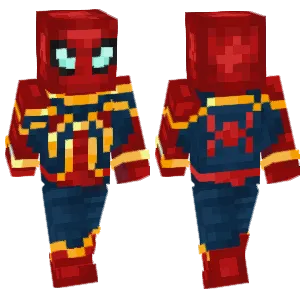
spider king👑
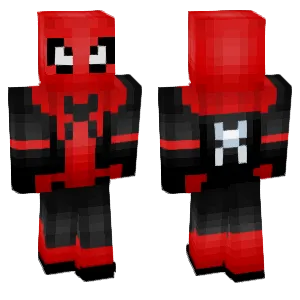
Spider man

Iron spider
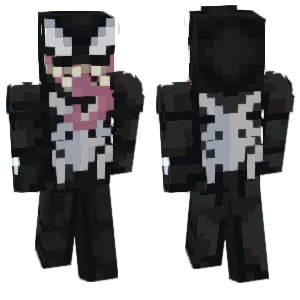
Venom Marvel's Spider-Man 2 PS5

spiderman girl with bow
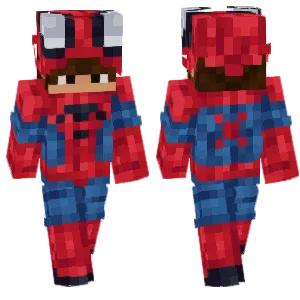
Peter parker spiderman
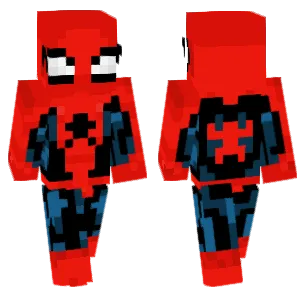
Spider Man Classic
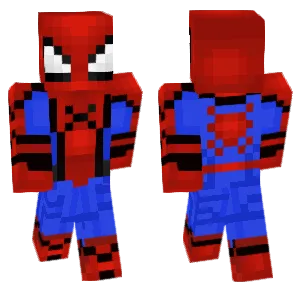
Homecoming Spider-Man

MCU Iron-Spider Suit
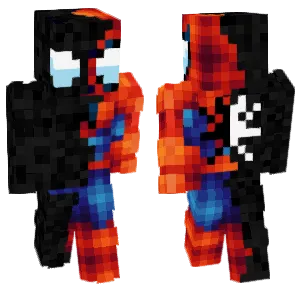
Spider-Man and Venom
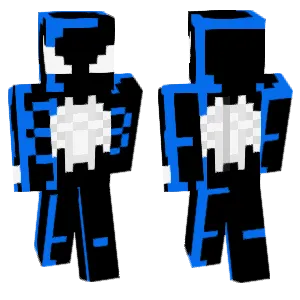
The animated series Symbiote Spider-M...

Advanced Suit Spider-Man
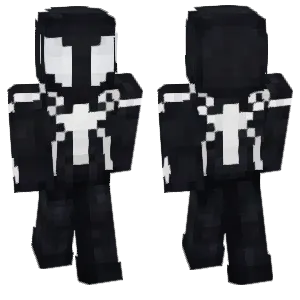
Black Suit Spiderman
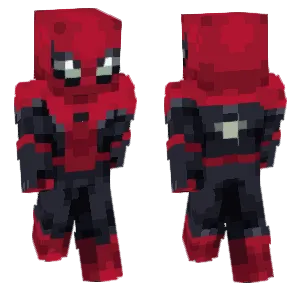
Spider-Man
warden69
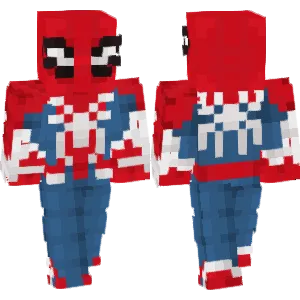
spider man

Spider-Man 2 Miles Starting Suit

spider man
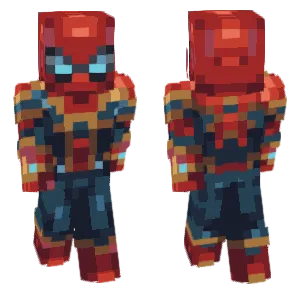
Iron Spider

spider man
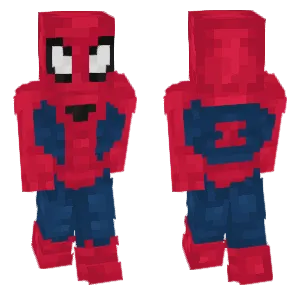
spider man
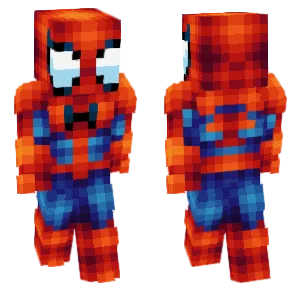
The Amazing Spider-Man
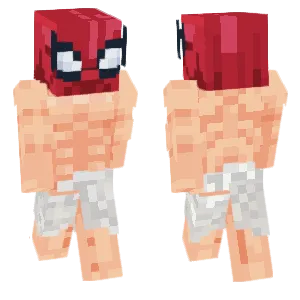
Buff Spider-Man
warden69
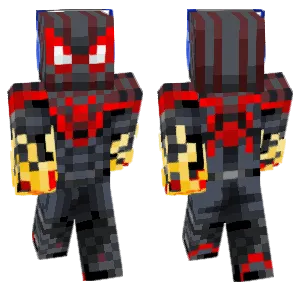
Spider man

Spider-Man Advanced Suit

Spider man🕷️
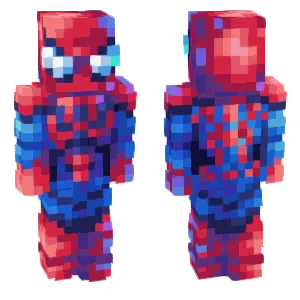
Spider-Man
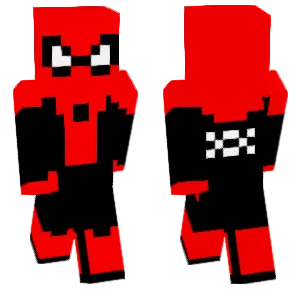
spiderman
Simon

spiderman
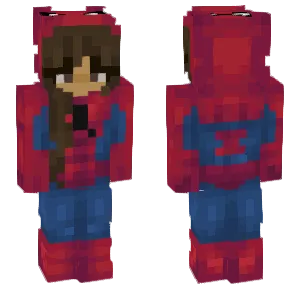
spidergirl

Ghost Face Spider
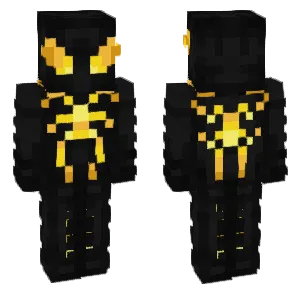
Spider-Man Anti-Ock Suit

Spiderman
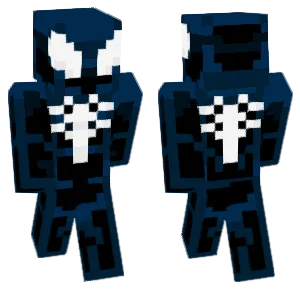
Symbiote Spider-Man
warden69

Dynamic "IRON" Spider Armor MKX
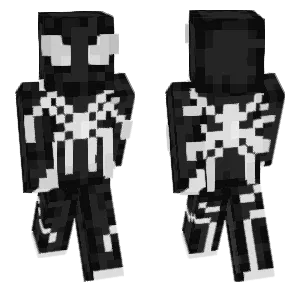
~Futuristic Black And White Spiderman~
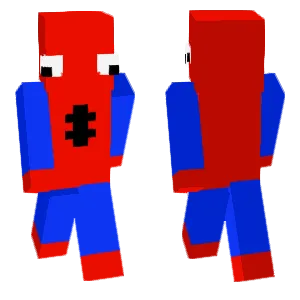
Spider man

Spider Lair ItsMando

Dynamic Spider Armor MKX
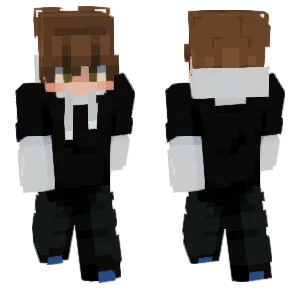
They're just who the spider will eat//DESC
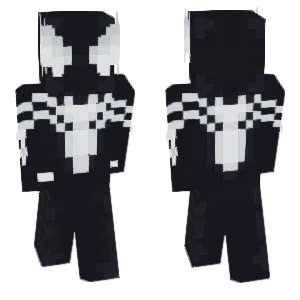
Spider-Man
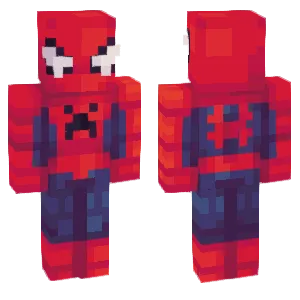
Spider-Man (Raimi)
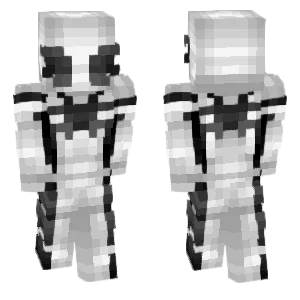
Future Foundation Spider-Man
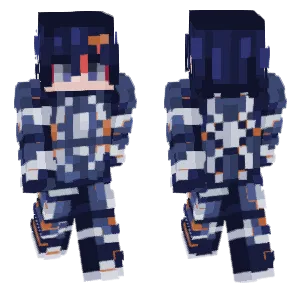
spidersona
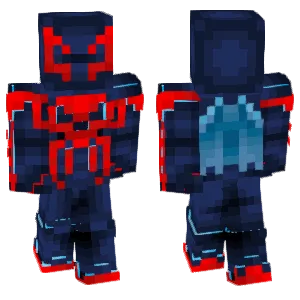
Spider-Man 2099
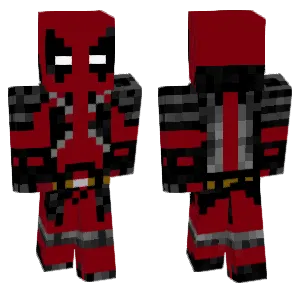
spider man
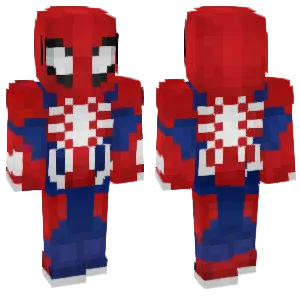
Spider-Man
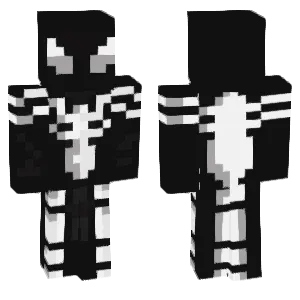
Spider-Man Future Fundation

Spider🕷 man

Spiderman
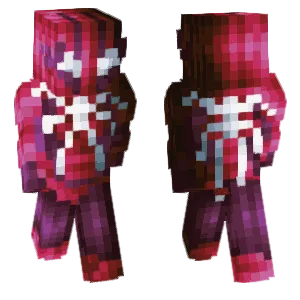
=/SPIDERMAN!!\=
riverr
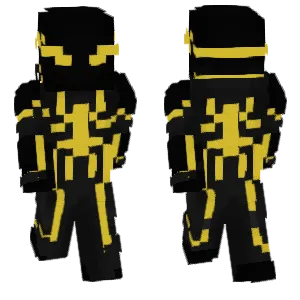
Spider Armor Mk
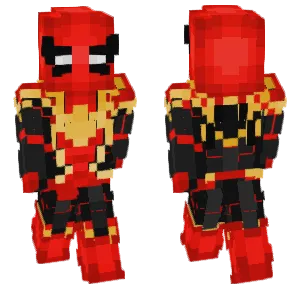
🦇spider man
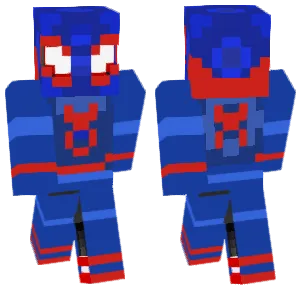
Spider man
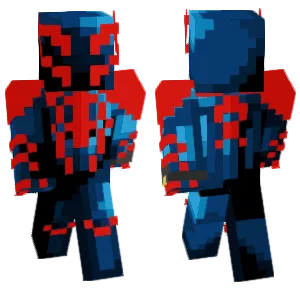
Spider Man
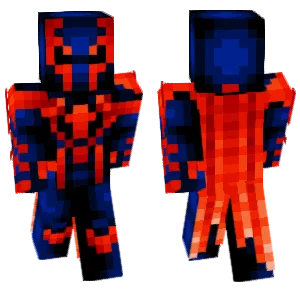
Spider-Man 2099
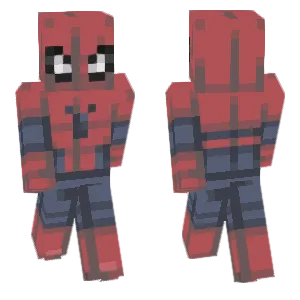
🕷️spider king
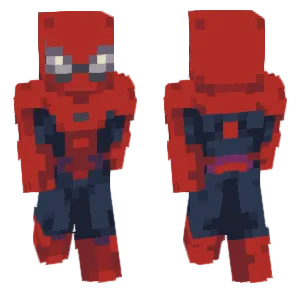
spider🕷️
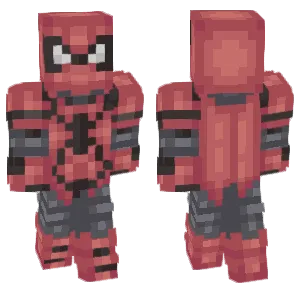
Spider🕷 man
What Makes a Good Minecraft Skin
A well-designed Spider-Man Minecraft skin captures the character's signature visual elements:
- The Mask & Eyes: The large white eye shapes on a red background are Spider-Man's most recognizable feature. Quality skins show clearly defined eye shapes that read instantly—not too small (loses identity) or too large (looks cartoonish).
- Web Pattern: The black web lines across the red sections define the classic suit. Quality skins include readable web patterns on the head, torso, and limbs without making them too dense or noisy.
- Red-Blue Color Split: The suit divides into red (torso center, mask, boots) and blue (sides, arms, legs). This split should be clean and consistent, following the classic costume design.
- Spider Emblem: The chest and back spider emblems anchor the torso design. The front spider should be centered and readable; the back spider is often larger. Both should be clear against the red/blue background.
Popular Minecraft Skin Styles
Spider-Man skins come in many variations reflecting the character's comic and film history:
- Classic Red-Blue: The original Steve Ditko design with bright colors and clean web patterns. Best for instant recognition and general use.
- MCU/Tom Holland: More textured suit with darker tones and tech-enhanced details. Popular for players who prefer the film aesthetic.
- Symbiote/Black Suit: All-black with white spider emblem and eyes. A dramatic alternative that's easier to shade but requires strong emblem contrast.
- Miles Morales: Black suit with red web accents and the distinctive "spray paint" spider. Represents the Into the Spider-Verse aesthetic.
- Iron Spider: Red and gold armor-style suit with mechanical spider legs (often suggested through back details). Combines Spider-Man with tech aesthetics.
- Spider-Man 2099: Blue and red futuristic design with a different spider emblem. Appeals to comic fans wanting something different from classic.
- Scarlet Spider: Red hoodie-style suit with blue accents. A simpler design that's easier to execute at Minecraft scale.
About Spider-Man
Spider-Man first appeared in Amazing Fantasy #15 (1962), created by Stan Lee and Steve Ditko. Peter Parker, a teenager bitten by a radioactive spider, gains superhuman abilities and learns that "with great power comes great responsibility." The character became Marvel's flagship hero and one of the most recognizable superheroes worldwide.
The costume design—red and blue spandex with web patterns and large white eyes—has remained remarkably consistent across 60+ years of comics, multiple animated series, and live-action films from Tobey Maguire to Tom Holland. The visual language is clear: web pattern equals Spider-Man.
In Minecraft communities, Spider-Man skins are popular because the design principles work perfectly at pixel scale: strong color contrast, a distinctive eye shape on the mask, and pattern-based detail that can be simplified without losing identity. The athletic pose and slim build also suit Minecraft's Alex model well.
How to Choose the Best Minecraft Skin
When selecting a Spider-Man skin, check these key points:
- Eye shape clarity: The white mask eyes should be immediately recognizable. If they're too small, blurry, or oddly shaped, the skin loses the Spider-Man identity instantly.
- Web pattern readability: The black web lines should be visible but not overwhelming. Too few lines and it looks like a plain red suit; too many and it becomes visual noise.
- Color accuracy: The red should be bright (not dark maroon) and the blue should be distinct (not purple or teal). These colors are part of the brand recognition.
- Spider emblem: Check both front and back. The chest spider should be centered and clear. The back spider is often larger and more detailed—make sure it's not lost in web patterns.
- Side seams: Rotate the preview. The red-blue color split should align cleanly at the torso and leg seams. Many skins break at these transitions.
Tips for Minecraft Skin Creators
For skin creators working on Spider-Man designs:
Start with the eyes. Block in the white eye shapes on the head texture first. They define the character more than anything else. Use 3-4 white pixels per eye with a clean black outline.
Web pattern strategy. Draw web lines radiating from the nose/forehead area on the head, and from the chest spider on the torso. Use single-pixel black lines. Don't fill every space—leave breathing room.
Color split discipline. Map out where red meets blue before adding details. The classic design: red on face, chest center, back center, and boots; blue on sides, outer arms, and most of legs.
Spider emblem placement. The front spider should be small and centered on the chest. The back spider can be larger and more detailed. Both should contrast clearly against their backgrounds.
Test the mask first. The head texture carries 80% of the recognition. Preview just the head before committing to body details. If the mask doesn't read as Spider-Man, adjust the eyes and web pattern.
Slim model advantage. Spider-Man's athletic build often looks better on Alex (slim) arms. The web patterns and color splits align more naturally with the narrower arm texture.