
Slime Minecraft Skins
Browse Slime Minecraft skins featuring translucent green gel shading, core highlights, bouncy silhouettes, and cute slimeboy variants. Download slime mob skins for parkour, minigames, and cheerful PvP cosmetics.
40 skins total, page 1 of 1
Slimes are Minecraft's bouncy green globs—splitting cubes of gel that hop across swamp floors and superflat test worlds alike. Slime-themed player skins translate that goo fantasy onto a humanoid rig with bright green ramps, glossy highlight pixels, and rounded shading that suggests a semi-liquid surface rather than fabric.
The niche skews playful: many uploads lean cute, toy-like, or "slime creature wearing a smile" rather than horror goo. That tone fits Minecraft's family-friendly default, and it also makes slime skins popular for minigame lobbies where players want a readable, cheerful silhouette.
Browse 40 Slime Minecraft Skins
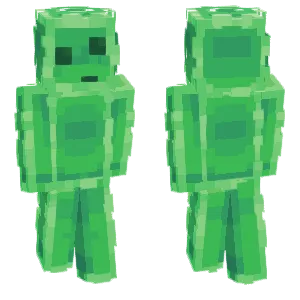
Slime
Fish
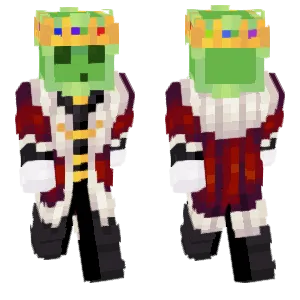
~Slime King~
warden69
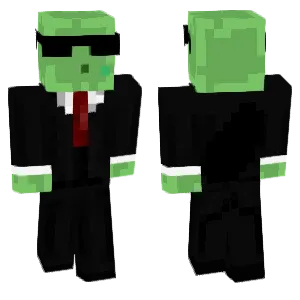
Suit Slime
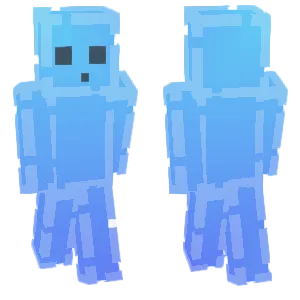
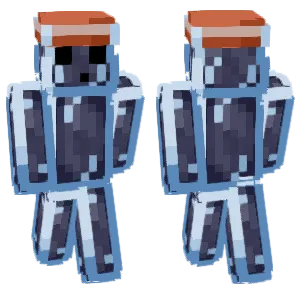
Bottle Slime
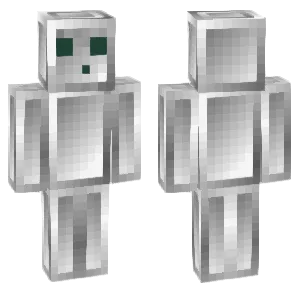
steel slime

. slime .
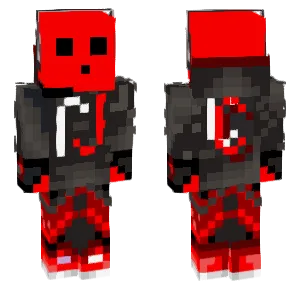
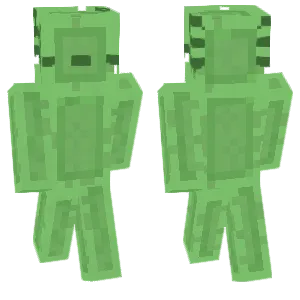
~slime-axolotl-
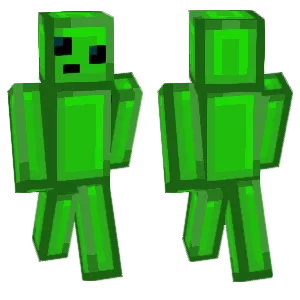
Slimey Boi
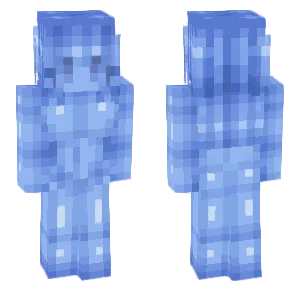
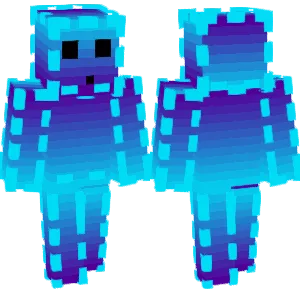
Azure Slime
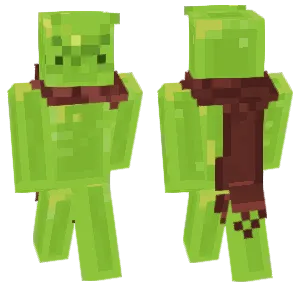
slime

Green Slime
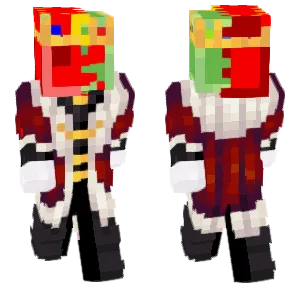

Pan Slime
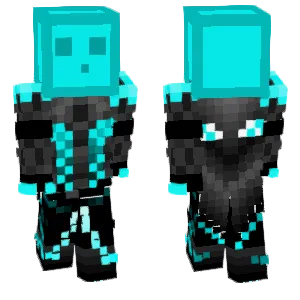
Neon Slime Gamer
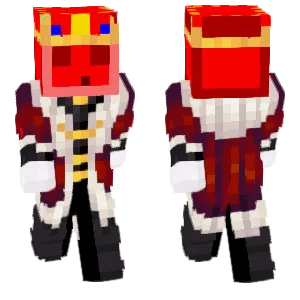
Angry King Slime
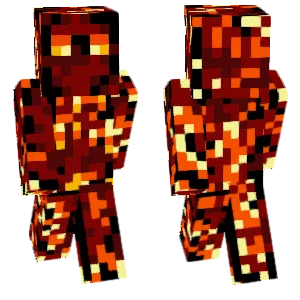
Lava Slime
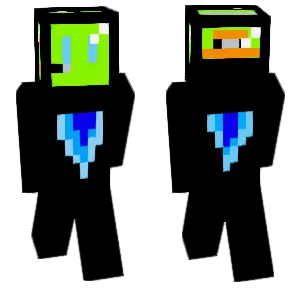

Slime - origins (eyes follow)
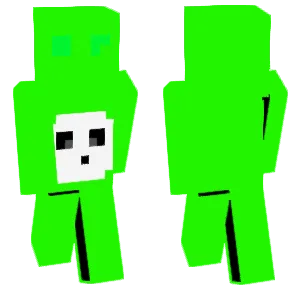
Slime King
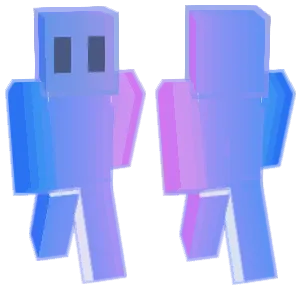
Rainbow Slime Figure (Original)
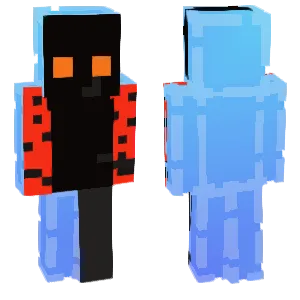
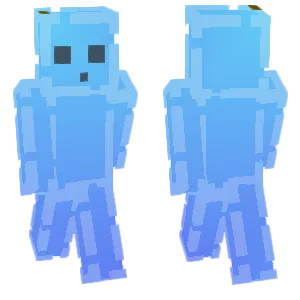
Blue Gradient Slime (Blue Version)
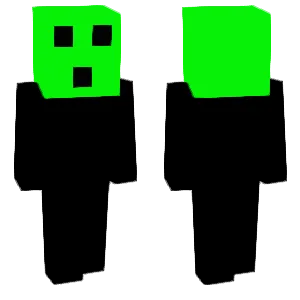
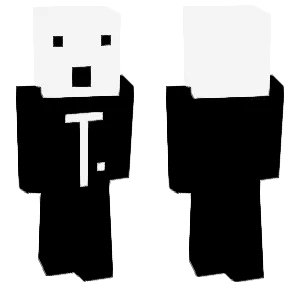
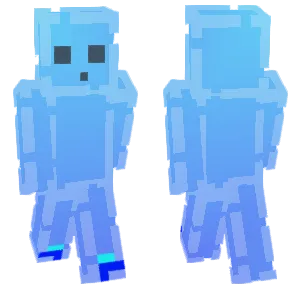
Blue Gradient Slime
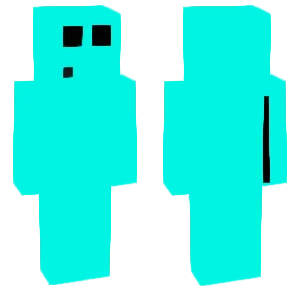
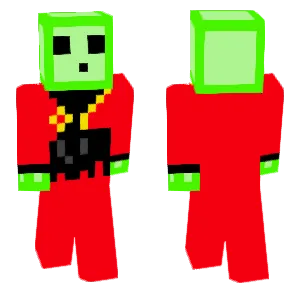
Slime
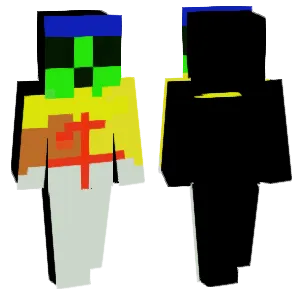
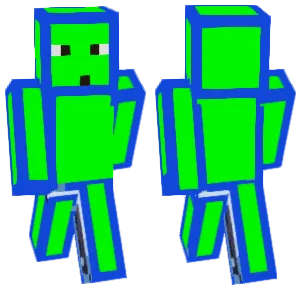
Canned slime
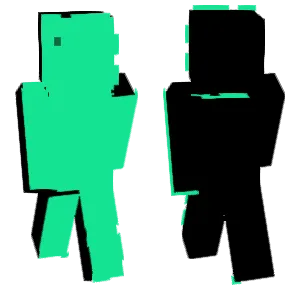
Slime People
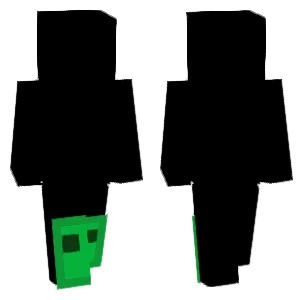
Slime
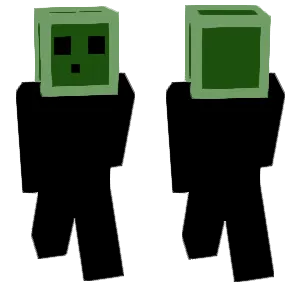
Slime
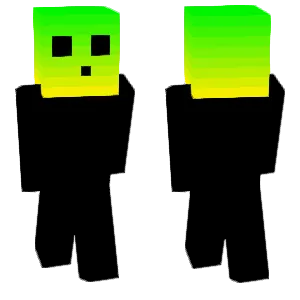
Slime
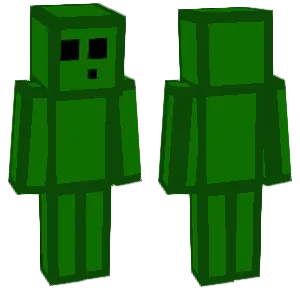
Slime
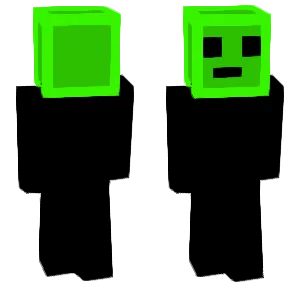
Monster - Slime
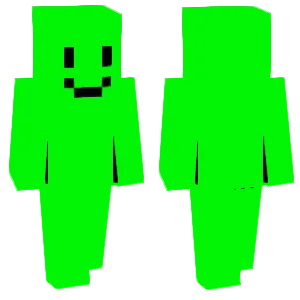
Slime
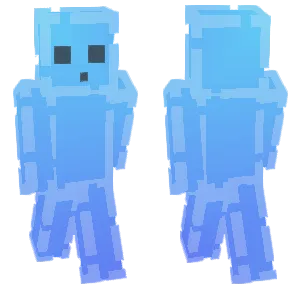
Blue Gradient Slime
What Makes a Good Minecraft Skin
Effective slime Minecraft skins usually rely on these visual strategies:
- Gel Ramp Discipline: A tight green ramp (lime highlight, mid green body, deep green shadow) reads as translucent goo better than ten similar greens.
- Specular Pixel Placement: One or two near-white highlight pixels on the head and shoulders mimic wet slime without turning the whole skin into chalk.
- Rounded Form Language: Softer edge shading on cheeks and limbs suggests blob anatomy even though the model is blocky.
- Inner Core Suggestion: Some designs add a slightly different green "bubble" on the torso to echo the slime's shaded interior look from certain angles.
- Contained Noise: Tiny bubble pixels can sell texture, but too many reads as static—space bubbles like punctuation.
Popular Minecraft Skin Styles
Slime skins commonly appear in these creative directions:
- Humanoid Slime: A player-shaped character fully "made of slime" with simple face features—great for mob cosplay and adventure maps.
- Slime Hoodie / Fan Fit: Casual clothes with slime eyes on the hood and drips on sleeves—readable and flexible for everyday multiplayer.
- King Slime / Boss Homage: Crown pixels, larger highlight patches, and bolder outlines—popular when players want big-mob energy without copying protected art exactly.
- Transparent Illusion: Careful use of outer layers and negative space tricks to imply translucency—advanced, but memorable when executed cleanly.
- Cute Slime Pet Buddy: A small slime painted on the shoulder or backpack area accompanying a human base—good for players who want partial theming.
About Slime
Slimes matter mechanically because slimeballs power sticky pistons, leads, magma cream crafting paths, and various redstone-adjacent projects. That utility gives the mob a persistent place in player brains even when it is not the scariest enemy.
Cosmetically, slime is one of Minecraft's purest "game juice" icons: bright, simple, and instantly associated with crafting progression. Slime skins therefore attract redstone enthusiasts, parkour fans who like bouncy personality, and players who prefer non-human avatars that still feel native to the game's art direction.
The design challenge is contrast: pure neon green can clip visually in bright biomes, while too-dark green loses the goo read. Successful skins navigate that by committing to a clear highlight strategy and keeping facial features minimal so the material reads first.
How to Choose the Best Minecraft Skin
Pick a slime skin with these checks:
- Highlight discipline: If the whole skin is one bright lime, it may look flat—look for shadow pockets that imply depth.
- Face readability: Simple eyes and mouth beats hyper-detailed faces that fight the goo material.
- Motion smear test: Bubble noise often shimmers oddly while walking—preview animations if possible.
- Variant honesty: Hoodie variants should still feel slime-tagged at a glance; full-goo variants should commit to material consistency.
- Biome contrast: If you play a lot in lush caves or forests, ensure your greens do not disappear into leaves.
- Helmet pairing: Slime faces are often the charm—confirm you are okay covering them if you wear opaque helmets.
Tips for Minecraft Skin Creators
For slime skin creators:
Start from a three-step ramp. Lock base, shadow, and highlight before adding bubbles.
Place specular pixels where light hits. Top of head, upper arms, and upper thighs are believable wet spots.
Avoid muddy midtones. Too many similar mids makes slime read as algae or zombie green by accident.
Use bubbles sparingly. A few grouped bubble pixels sell texture; random dithering rarely does.
Name the vibe. "Cute slime," "goo monster," and "slime hoodie" attract different audiences—title accordingly.
Test on grass. If the skin vanishes on grass blocks, deepen shadows or shift hue slightly away from turf green.