Loading skin...
Canvas size: 0 x 0
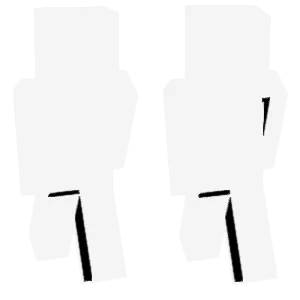
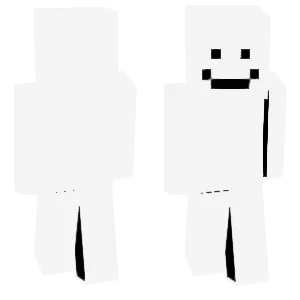
Creating the effect of invisible skin is very simple; you just need to apply color first and then wipe it off to achieve this effect.
Created by 710891
Minecraft Skin - Creating the effect of invisible skin is very simple; you just need to apply color first and then wipe it off to achieve this effect.
Uploaded on
Dec 21, 2025
Downloads
0
You might also like
Minecraft Skin
Dotty
riverr
24
0
6
Minecraft Skin
Dai Yue - normal
QI-Official
46
0
2
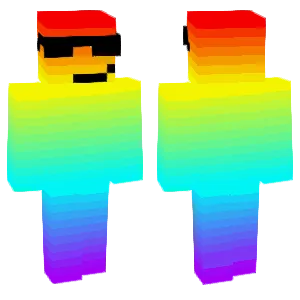
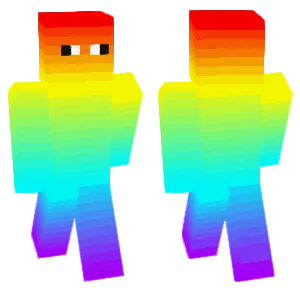
colorful
33
0
2
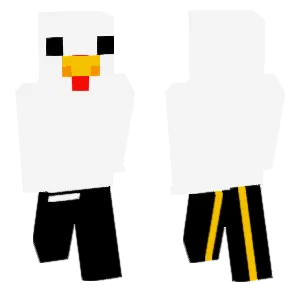
More by @710891
Minecraft Skin
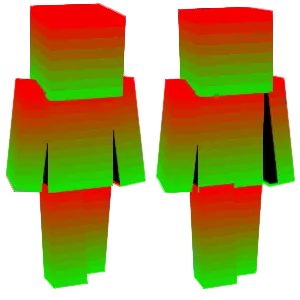
Prevent others from sneaking up on you, as the skin on your face at the back can mislead enemies.
23
0
0

Minecraft Skin
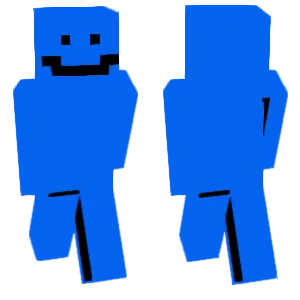
I saw someone making a transparent skin, but there is still a black shop. We can first create a similar skin, and then use an eraser to remove the black dots to create a transparent skin. This is a bug because it can still be saved after using the eraser.
36
0
0
Minecraft Skin
Prevent others from sneaking up on you, as the skin on your face at the back can mislead enemies.
23
0
0
Minecraft Skin
I saw someone making a transparent skin, but there is still a black shop. We can first create a similar skin, and then use an eraser to remove the black dots to create a transparent skin. This is a bug because it can still be saved after using the eraser.
36
0
0