
Creeper Minecraft Skins
Browse the best Creeper Minecraft skins featuring the iconic green mob's face and pattern. Download high-quality Creeper skins, hoodies, and hybrid designs for Java and Bedrock.
156 skins total, page 3 of 3
The Creeper is Minecraft's most iconic mob, and Creeper skins are among the most recognizable in the game. The simple green texture, distinctive square face, and explosive reputation make Creeper skins instantly readable from any distance. Whether you want to embrace Minecraft nostalgia, blend into forest biomes for stealth play, or simply wear a clean design that everyone recognizes, a Creeper skin delivers the classic Minecraft experience.
Browse 156 Creeper Minecraft Skins
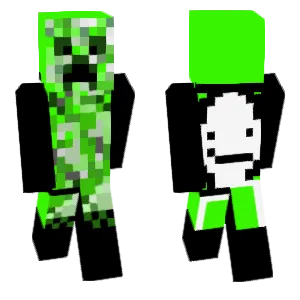
纸片creeper
Alexcrafter8
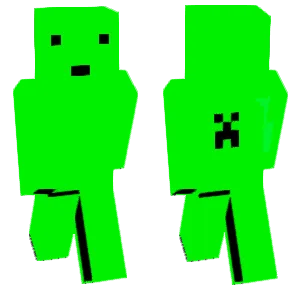
Creeper
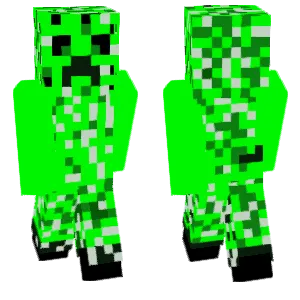
Creeper

Creeper
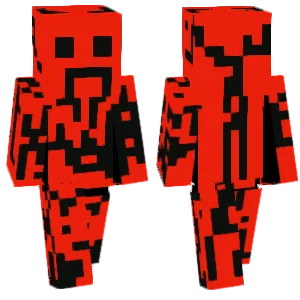
The darkened creeper robot
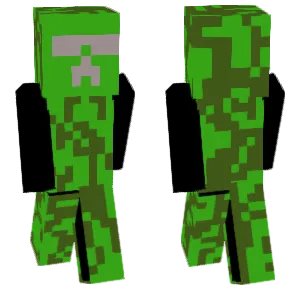
The Creeper wearing sunglasses.
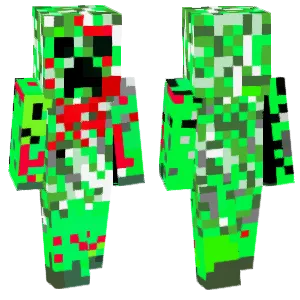
Creeper
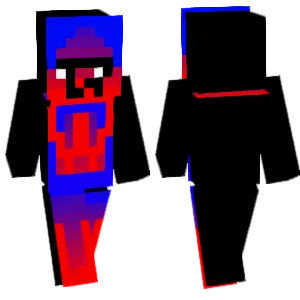
Handsome Creeper
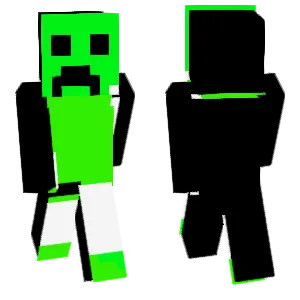
Creeper (Paperboard)
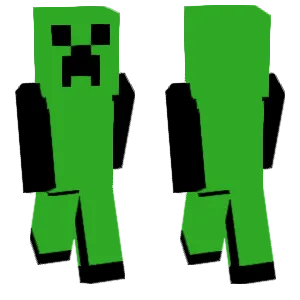
Creeper?Ow man……
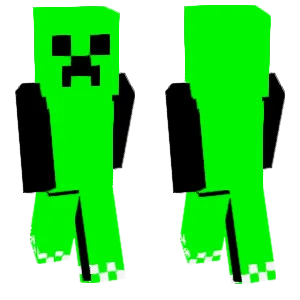
creeper
Dream
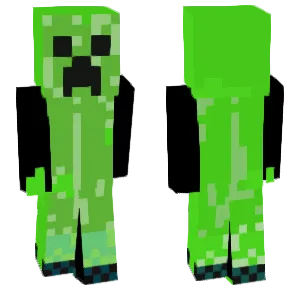
Creeper
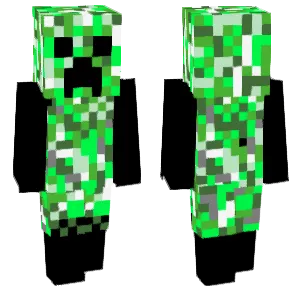
Creeper
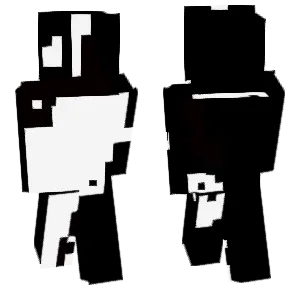
Creeper
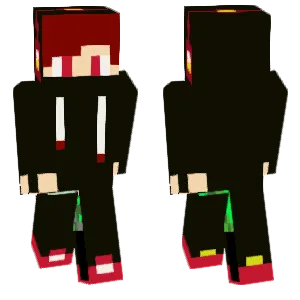
The creeper transforms into a monster.
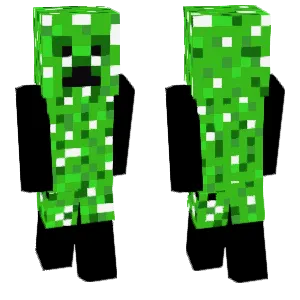
creeper
Ender
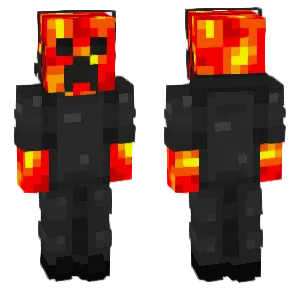
~Player Creeper~
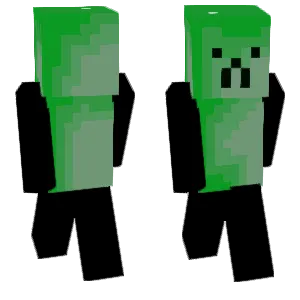
Creeper

Creeper (humanoid)
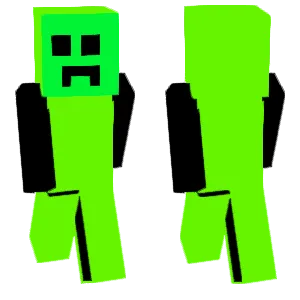
Creeper
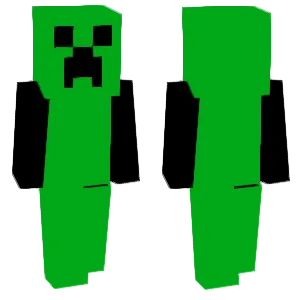
Creeper
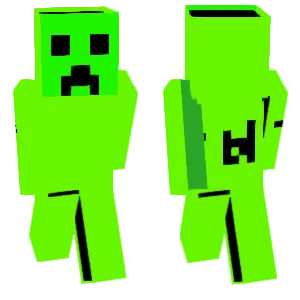
True: Creeper
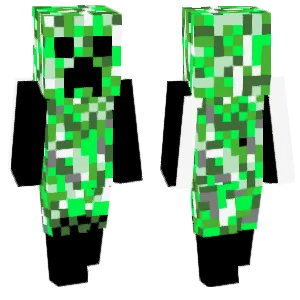
Creeper
Dream
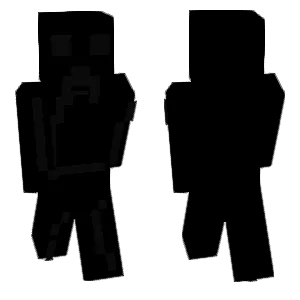
Creeper
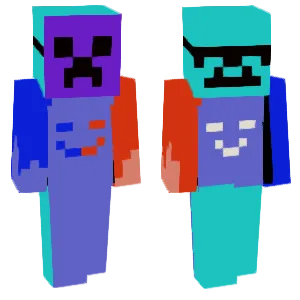
Masked Creeper
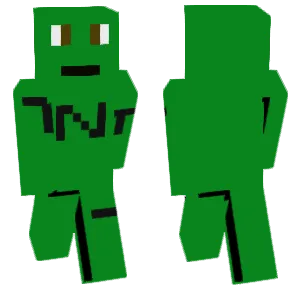
Creeper TNT version
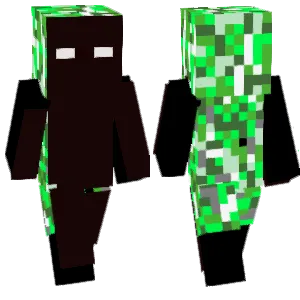
Creeper
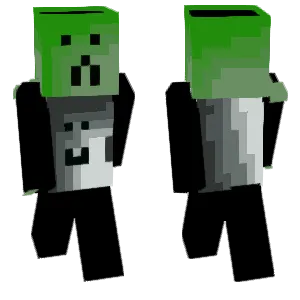
Creeper
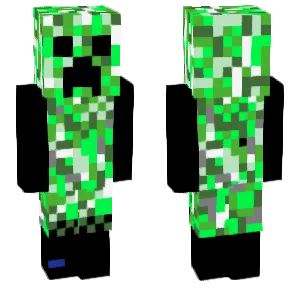
Creeper
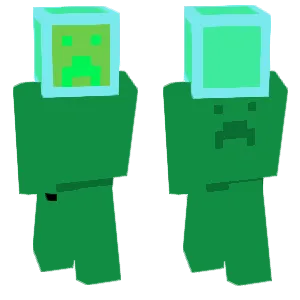
Creeper
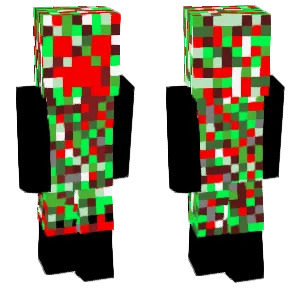
Terrifying Creeper
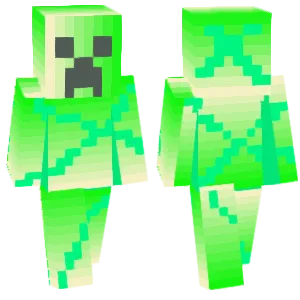
Colorful Creeper

creeper
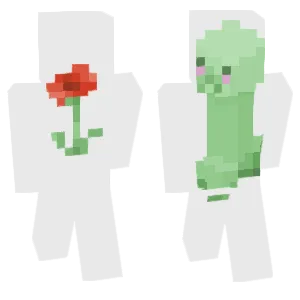
Creeper Finds a poppy
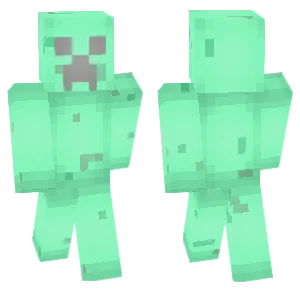
Mint Creeper
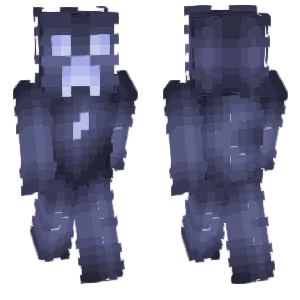
Moon Creeper
What Makes a Good Minecraft Skin
A well-designed Creeper Minecraft skin captures the mob's signature visual elements:
- The Face: The Creeper's sad/angry face is the most critical element—dark pixels forming the eyes and frown mouth on a green background. This face should be high-contrast and centered on the head texture. Blurry or low-contrast faces lose the identity.
- Green Patch Pattern: Classic Creeper texture uses irregular green patches of slightly different shades. Quality skins maintain this pattern logic across the torso, arms, and legs with consistent wrapping on the sides.
- Limb Separation: Arms and legs should have enough contrast or pattern variation to read as separate limbs during movement. A flat green block looks unfinished.
- Simplicity: Creepers work because they're simple. The best skins resist the urge to over-detail. Two-step shading (base green + highlight) is usually enough—more creates visual noise.
Popular Minecraft Skin Styles
Creeper skins come in several creative directions while keeping the core identity:
- Classic Creeper: Pure mob recreation with the original face and green patch pattern. Best for nostalgia and instant recognition.
- Hoodie Creeper: Human body silhouette wearing a Creeper-themed hoodie. The Creeper face appears on the hood, making it recognizable while feeling like a "fan" skin rather than a mob costume.
- Human-Creeper Hybrid: Half-human, half-Creeper designs where the character is "transforming" or wearing partial Creeper elements. Popular for roleplay servers.
- Charged Creeper: Brighter green with blue/white electric highlights simulating the charged variant that spawns when lightning strikes a Creeper in-game.
- Creeper in Costume: The Creeper mob wearing other outfits—suits, armor, holiday themes. A fun twist that keeps the face recognizable.
About Creeper
The Creeper appeared in Minecraft's earliest versions and became the game's unofficial mascot. According to Notch (Markus Persson), the Creeper was created by accident when he mixed up the height and length values while modeling a pig, resulting in a tall, armless creature. Rather than fix it, he gave it the now-iconic face and explosive behavior.
The Creeper's visual design is deliberately simple: a green body with darker green patches and a distinctive frowning face. This simplicity is why it translates so well to player skins—the design language is clear enough to work at any resolution.
In Minecraft culture, the Creeper represents both the game's humor and its danger. The mob's habit of sneaking up and exploding has made "Creeper" synonymous with Minecraft itself. Wearing a Creeper skin signals that you know and love the game's history.
How to Choose the Best Minecraft Skin
When selecting a Creeper skin, check these key points:
- Face clarity: The eyes and mouth should be clearly visible and high-contrast. If the face blurs into the green background, the skin loses its identity.
- Side seam alignment: Rotate the preview and check where the torso meets the arms. The green patch pattern should wrap logically, not create random lines at the seams.
- Arm and leg definition: During movement, arms and legs shouldn't merge into a single green mass. Look for skins with subtle variation or shading that keeps limbs distinct.
- Back view completeness: Many Creeper skins focus on the front and leave the back as flat green. Quality skins continue the patch pattern on the back texture.
- Variant consistency: If choosing a hoodie or hybrid variant, make sure the Creeper elements (especially the face) remain the visual anchor. The skin should still read as "Creeper-themed" at a glance.
Tips for Minecraft Skin Creators
For skin creators working on Creeper designs:
Start with the face. Block in the eyes and mouth first using near-black pixels. The face is the identity anchor—if it doesn't read clearly, nothing else matters.
Use a limited green palette. Two or three greens (dark base, mid-tone, highlight) create the patch pattern without noise. Avoid gradients or too many color steps.
Pattern before shading. Lay out the green patches across the body and check seam alignment at arms and legs before adding highlights. Fix wrapping issues early.
Test limb separation. Export and view in third-person while sprinting. If arms and legs blend together during movement, add more contrast between adjacent patches or include subtle dark outlines.
Keep it simple. Creepers look premium because they're clean, not because they're detailed. Resist adding noisy textures or too many shade bands.
Variant identity check. If making a hoodie or hybrid skin, ensure the Creeper face remains the most readable element. Other details should support, not compete with, the face.