
Christmas Minecraft Skins
Browse the best Christmas Minecraft skins featuring Santa Claus, elves, reindeer, Christmas trees, and festive holiday outfits. Download high-quality Christmas skins for Java and Bedrock.
110 skins total, page 2 of 2
Christmas is the most popular holiday theme in Minecraft skins. From jolly Santa Claus to sparkling Christmas trees, players have endless ways to express the holiday spirit. Whether you're joining a server's holiday event, creating festive YouTube content, or simply want to spread some cheer during December, Christmas Minecraft skins deliver instant recognition and seasonal warmth. The variety is remarkable—you'll find classic character skins like Santa and his elves, cute animals wearing Santa hats, cozy sweater outfits, and even creative object skins that transform your avatar into a walking Christmas tree or gift box.
Browse 110 Christmas Minecraft Skins
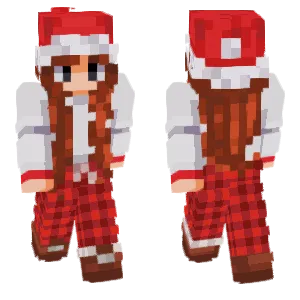
Christmas Style
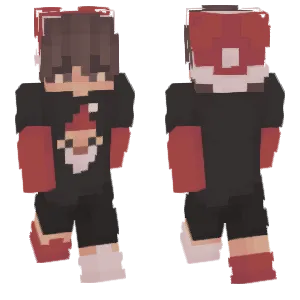
Merry Christmas🎄
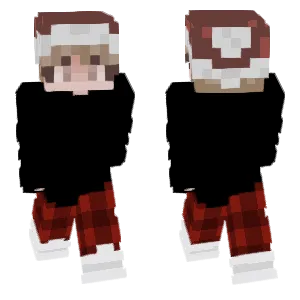
Christmas Pajama Boy
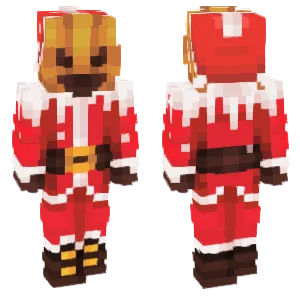
the nightmare before christmas
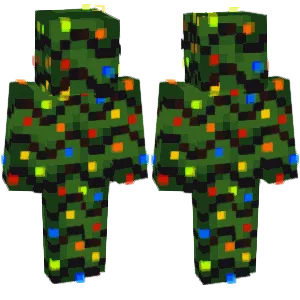
Christmas tree 🎄
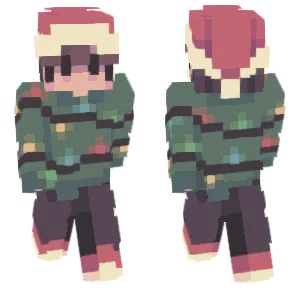
❀ christmas persona ❀
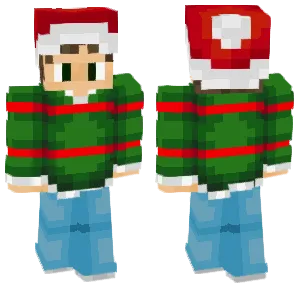
Christmas Time
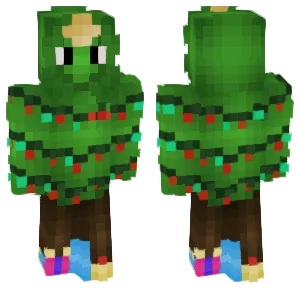
🎄Around the Christmas Tree
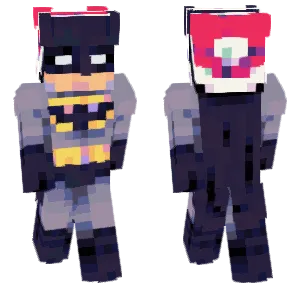
🎄Christmas Batman
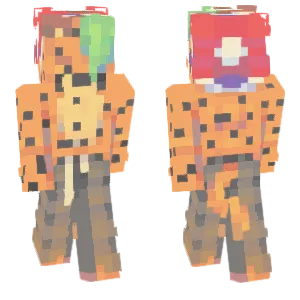
Christmas Orange Cheetah🐆
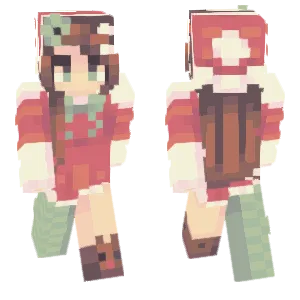
Christmas Dress Up 🎄 Chun Li
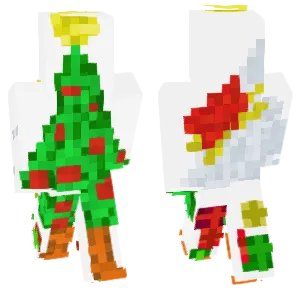
Christmas tree
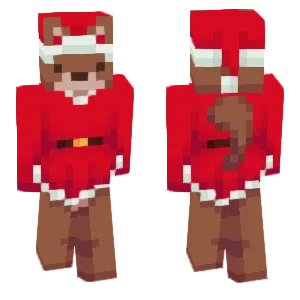
merry almost christmas
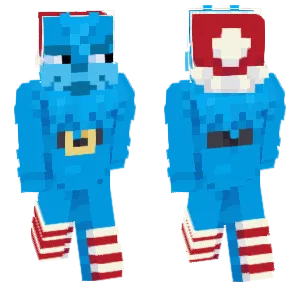
christmas

Christmas Zombie.
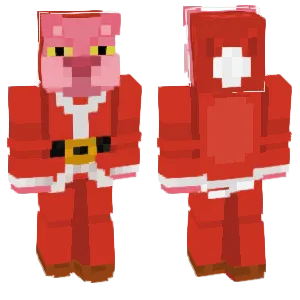
Christmas🐷
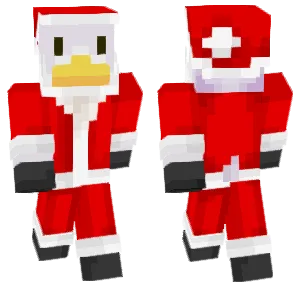
Christmas Duck
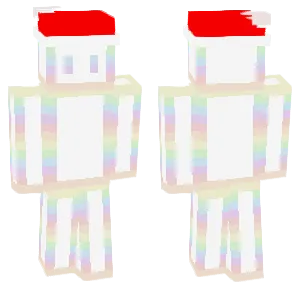
# BORED CHRISTMAS #
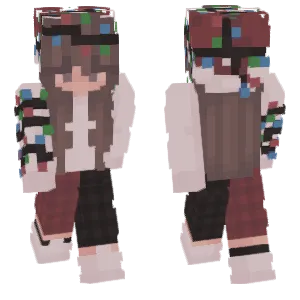
🎄Christmas lights girl
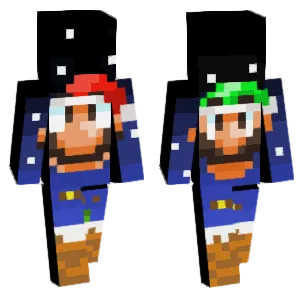
Christmas with Super Mario
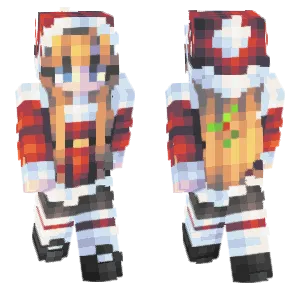
Merry Christmas🧇
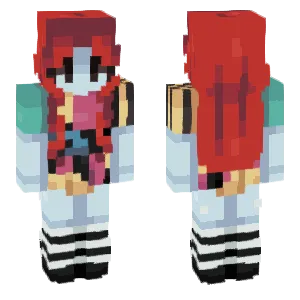
The Nightmare Before Christmas sally
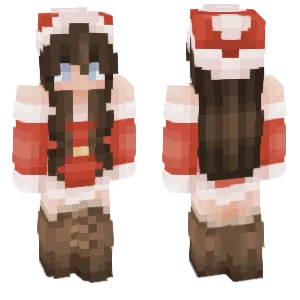
Christmas is coming
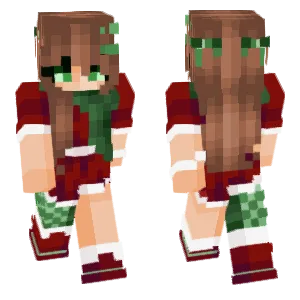
Christmas Girl
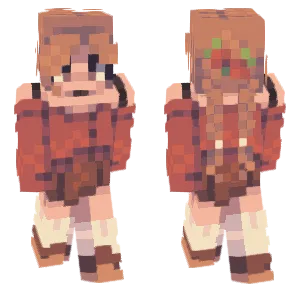
- merry christmas! <3 ; rce
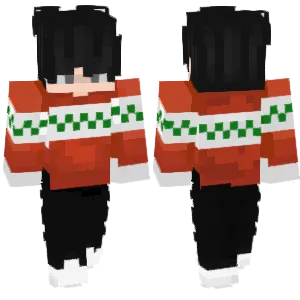
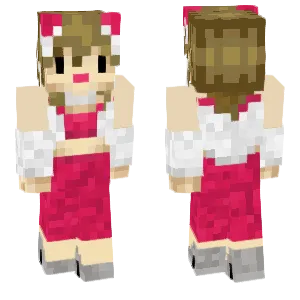
Christmas Girl
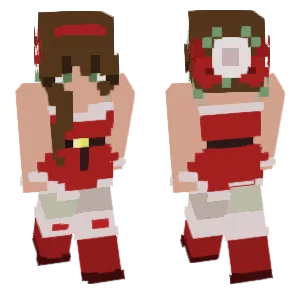
~I Heard The Bells On Christmas Day
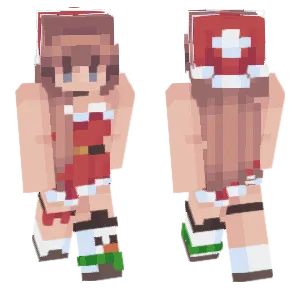
Merry Christmas🎄

CHRISTMAS!!
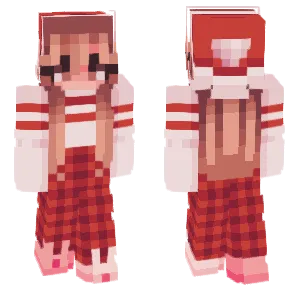
🎄Christmas morning
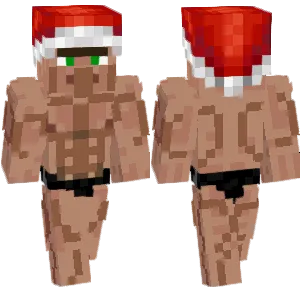
It's Christmas.
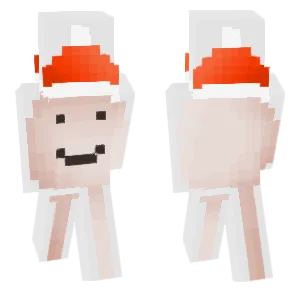
Merry Christmas!
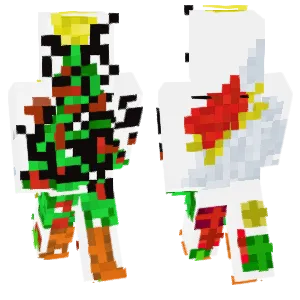
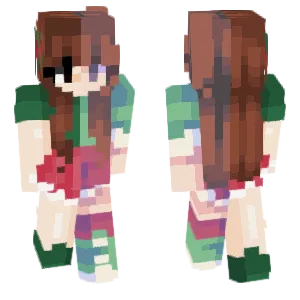
Merry Christmas❤️
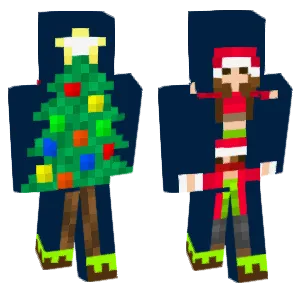
Merry Christmas🎄
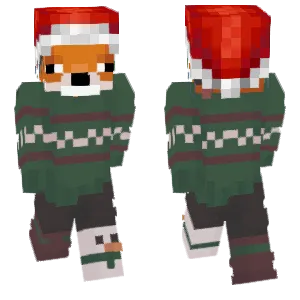
Christmas Fox
Christmas jttftr gygfyggttf ggghfddgdtfrd
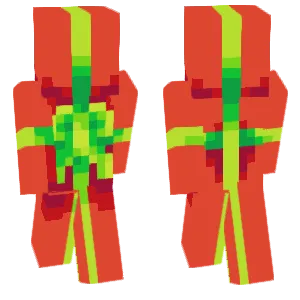
Christmas Gift!
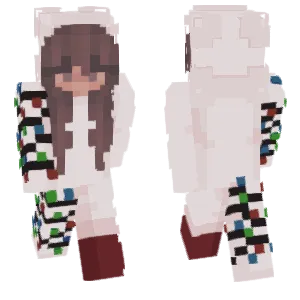
White Christmas
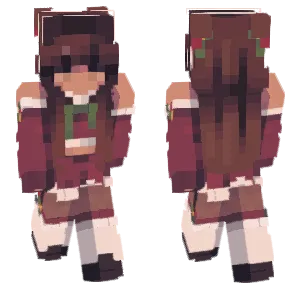
Christmas
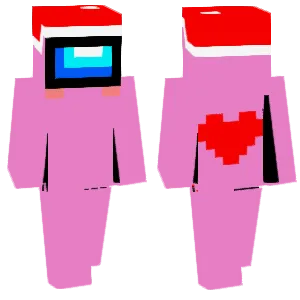
Christmas gift
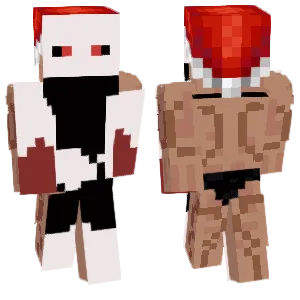
It's Christmas!
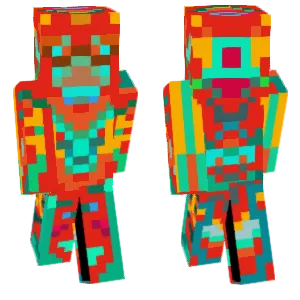
Christmas Parrot
coco
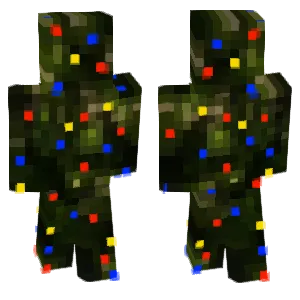
Walking Christmas Tree🎄
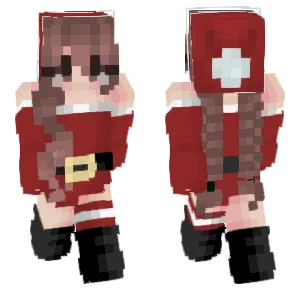
baby it's christmas ~;+mk
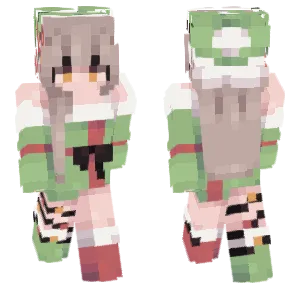
--Christmas present
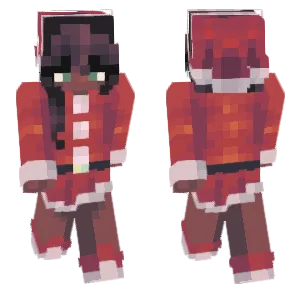
All I Want For Christmas Is You
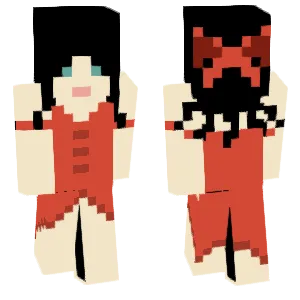
Christmas girl
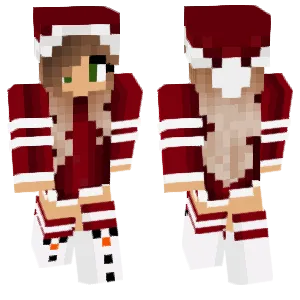
Christmas
Popular Christmas Minecraft Skin Styles
Christmas Minecraft skins come in several distinct styles to match every player's taste:
- Classic Santa Claus: The iconic red suit with white fur trim, black boots, and a jolly expression. These skins range from traditional realistic Santa to cute chibi versions. The red-and-white color scheme is instantly recognizable from any distance.
- Festive Character Outfits: Popular characters dressed for the holidays—girls and boys in Christmas sweaters, coats with fur trim, or elf costumes. Anime-style Christmas skins are especially popular, featuring detailed outfits with holiday accessories like scarves and mittens.
- Christmas Animals: Cats, dogs, foxes, and bears wearing Santa hats or wrapped in holiday scarves. Reindeer skins are a seasonal favorite, often featuring Rudolph's glowing red nose rendered as bright pixels.
- Holiday Objects: Creative skins that transform your avatar into Christmas symbols—decorated Christmas trees, wrapped gift boxes, snowmen with top hats, candy canes, or gingerbread men. These skins are popular for screenshots and group photos.
- Cozy Winter Aesthetic: Warm sweater outfits, hot cocoa mugs, and comfortable winter gear. These skins capture the cozy indoor feeling of the holiday season rather than the bright festive elements.
Christmas Minecraft Skin Use Cases
Christmas skins shine in specific contexts throughout the Minecraft community:
- Server Holiday Events: Many servers host Christmas-themed events, build competitions, and celebrations during December. Wearing a festive skin shows participation and community spirit. Some servers even require holiday-themed skins for event access.
- Content Creation: YouTubers and Twitch streamers often switch to Christmas skins during the holiday season. The festive visuals add seasonal relevance to videos and streams, especially for holiday specials or gift-themed content.
- Multiplayer Photo Sessions: Groups of friends gathering for holiday screenshots often coordinate their Christmas skins. A mix of Santa, elves, reindeer, and Christmas trees creates memorable group photos.
- Year-Round Winter Builds: Players building snowy villages, ice castles, or winter wonderlands use Christmas skins to match their environment. The festive aesthetic works whenever you're exploring cold biomes.
- Personal Celebration: Simply wearing a Christmas skin during December brings holiday joy to your gameplay. It's a small way to mark the season while enjoying your favorite game.
About Christmas
Christmas is celebrated on December 25th in many countries worldwide, commemorating the birth of Jesus Christ in Christian tradition. Over centuries, the holiday has evolved to include secular traditions that now define its visual identity in popular culture—and in Minecraft skins.
Santa Claus, the most iconic Christmas figure in Minecraft skins, draws from multiple sources: the historical Saint Nicholas (a 4th-century Greek bishop known for generosity), Dutch Sinterklaas traditions, and the modern American image popularized by Coca-Cola advertisements in the 1930s. The result is the familiar red-suited, white-bearded figure that dominates Christmas skin searches.
Christmas trees became popular after Queen Victoria and Prince Albert displayed a decorated tree in 1848, spreading the German tradition throughout the English-speaking world. Today, decorated evergreen trees are universal Christmas symbols—explaining why Christmas tree skins are so popular in Minecraft.
Reindeer entered Christmas lore through Clement Clarke Moore's 1823 poem "A Visit from St. Nicholas," which described Santa's flying sleigh pulled by eight reindeer. Rudolph the Red-Nosed Reindeer was added in 1939 by Robert L. May for a Montgomery Ward coloring book promotion, later becoming one of the most recognizable Christmas characters through the 1964 TV special.
The cozy winter aesthetic—sweaters, hot cocoa, warm fires—reflects the Northern Hemisphere timing of Christmas during winter. This explains why so many Christmas skins feature warm clothing and indoor comfort themes.
How to Choose the Best Christmas Minecraft Skin
When selecting a Christmas Minecraft skin, consider these factors:
- Visibility at Distance: Christmas skins rely heavily on the red-white-green color palette. Check that the key elements (Santa hat, sweater pattern, tree shape) remain recognizable when zoomed out. Overly detailed skins can become muddy blobs during actual gameplay.
- Match Your Style: Do you want festive-cute, traditional-classic, or ironic-funny? A chibi Santa serves different purposes than a realistic one. Object skins (trees, gifts) are attention-grabbing but may not suit serious roleplay.
- Check All Angles: Rotate the skin preview to see the back and sides. Many Christmas skins focus on the front view, leaving the back as plain red fabric. Quality skins include back details like fur trim patterns or wrapped gift ribbons.
- Color Balance: The best Christmas skins use red, white, and green strategically rather than covering every pixel. Look for skins where the holiday colors have clear boundaries and don't blur into visual noise.
- Model Type: Some detailed Christmas outfits work better on slim (Alex) arms, while bulky Santa suits may look better on classic (Steve) arms. Verify the skin matches your preferred player model.
How to Create Christmas Minecraft Skin
For skin creators designing Christmas-themed skins:
Start with the focal point. For Santa, it's the hat and belt. For a Christmas tree, it's the star on top. Block in these elements first and build outward to maintain proper proportions.
Use a limited holiday palette. Two reds (dark and bright), two whites (pure and cream), and one or two greens. Add gold or yellow for accents like belt buckles or star toppers. Too many shades create noise rather than festive cheer.
Fur trim technique. The white fur on Santa suits should use a slightly irregular edge—not a perfectly straight line. Add one or two off-white pixels to suggest fluffy texture. This small detail separates amateur skins from polished ones.
Lighting considerations. Red appears very different in dark caves versus snowy biomes. Test your skin in multiple lighting conditions. Consider using slightly orange-tinted reds that hold up better across environments.
Object skin proportions. If creating a Christmas tree skin, remember the avatar's arms will be branches. Plan the star or topper for the head, ornaments on the torso, and the tree trunk for the legs. The arms should blend naturally into the foliage.
Cozy sweater patterns. Classic Christmas sweater patterns (reindeer, snowflakes, geometric borders) need to be simplified for Minecraft's resolution. Focus on one pattern element and repeat it clearly rather than cramming multiple patterns onto the torso.