Naruto Minecraft Skins
Browse the best Naruto Minecraft skins featuring Naruto Uzumaki's iconic orange jumpsuit, spiky blonde hair, and whisker marks. Download high-quality Naruto skins for Java and Bedrock.
37 skins total, page 1 of 1
Naruto Uzumaki is one of the most beloved anime characters of all time, and his Minecraft skins are incredibly popular among players worldwide. The iconic orange tracksuit, spiky blonde hair, and distinctive whisker marks make Naruto instantly recognizable in Minecraft's blocky world. Whether you're running across servers with friends, building your own Hidden Leaf Village, or just want to channel some ninja energy while mining, a Naruto skin brings that determined, never-give-up spirit to your gameplay.
Browse 37 Naruto Minecraft Skins

Naruto

Naruto
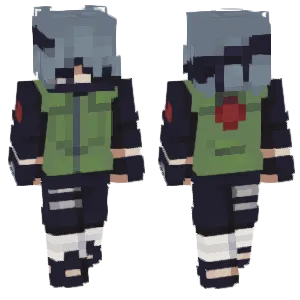
Kakashi (Naruto)

Naruto - Six Paths Sage Mode
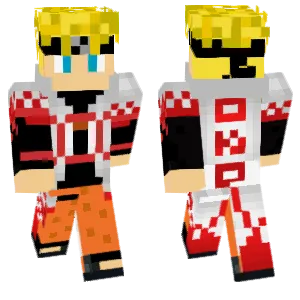
Uzumaki Naruto
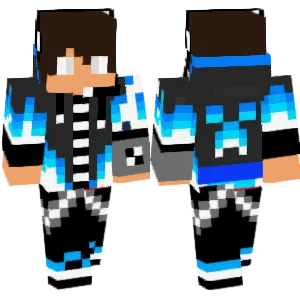
Naruto310206 (Easter)

Uzumaki Naruto

Naruto
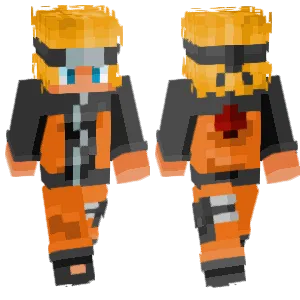
My name is Naruto Uzumaki
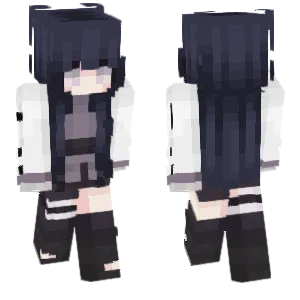
Hinata
yoyo

Uzumaki Naruto

Naruto Uzumaki

Naruto🌀
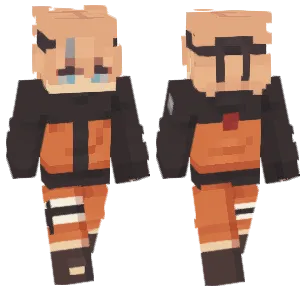
Naruto

Naruto

Naruto Uzumaki

Naruto Uzumaki

🌀naruto uzumaki
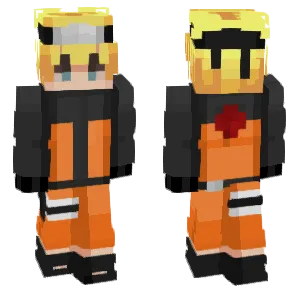
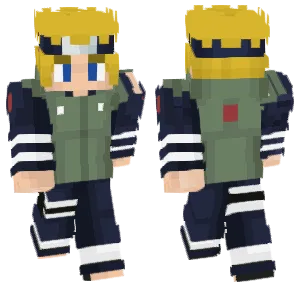
Naruto

Naruto Uzumaki

- Naruto -
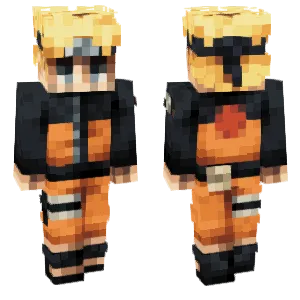
Naruto
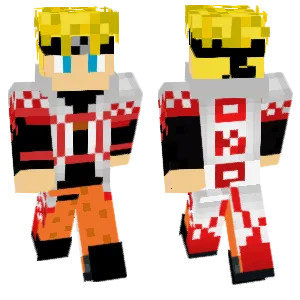
Naruto Uzumaki

Naruto Uzumaki
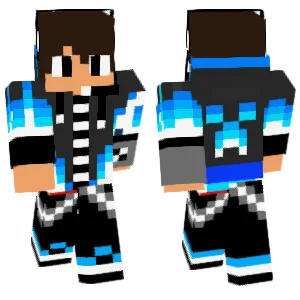
Naruto310206 (Easter)
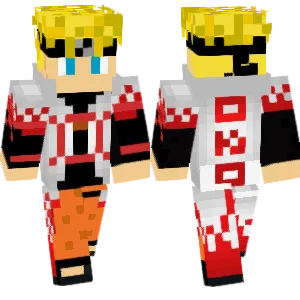
Naruto Uzumaki
tianguang
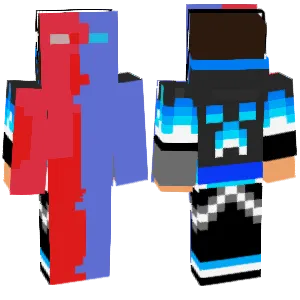
Naruto310206(复活节)

Naruto Uzumaki
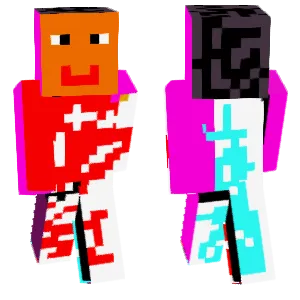
NARUTO -ナルト-
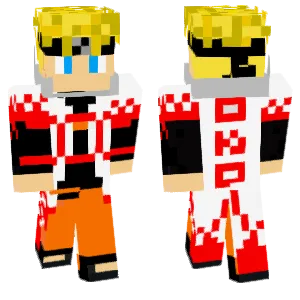
Naruto Uzumaki
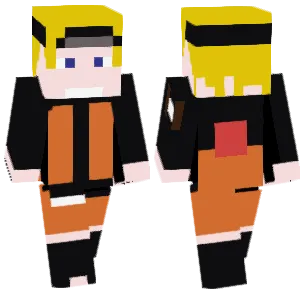
Naruto

Naruto Uzumaki
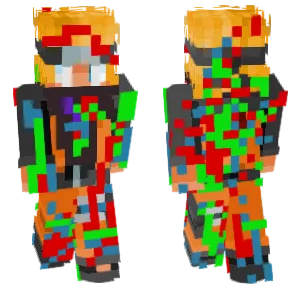
Errorizing Naruto
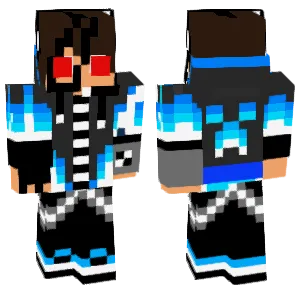
Naruto310206(复活节)
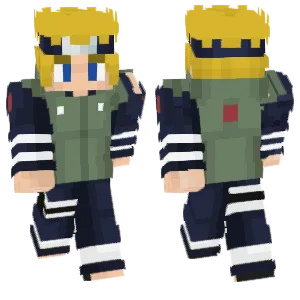
NARUTO -ナルト-
What Makes a Good Minecraft Skin
A well-designed Naruto Minecraft skin captures the character's signature elements:
- Orange Jumpsuit: The bright orange-and-blue color scheme is Naruto's most recognizable feature. Quality skins nail the exact shade of orange and use blue accents on the collar, shoulders, and lower trim.
- Spiky Blonde Hair: The wild, spiky hairstyle should be clearly defined on the head texture. Look for skins that create volume and movement through strategic shading rather than flat yellow blocks.
- Whisker Marks: The three whisker lines on each cheek are essential. Good skins place these marks symmetrically and use a subtle dark shade that's visible without being overpowering.
- Konoha Headband: The forehead protector with the Hidden Leaf symbol is a key identifier. The metal plate should have a reflective look, and the Leaf symbol should be recognizable even at Minecraft's resolution.
- Sage Mode / Nine-Tails Variants: Advanced skins may include orange-ringed eyes for Sage Mode or red chakra effects for Nine-Tails mode, adding visual interest for fans who want specific power-up looks.
Popular Minecraft Skin Styles
Naruto skins come in several popular styles, each representing different eras and transformations:
- Classic Part 1 Naruto: The original orange jumpsuit with blue sandals and the youthful look from the original series. Great for nostalgic fans and the most universally recognized design.
- Shippuden Naruto: The more mature design with the updated black-and-orange jacket, longer headband tails, and slightly older appearance. The most popular variant overall.
- Sage Mode: Features the orange-ringed eyes and sometimes the red toad sage cloak. Popular for players who want to showcase Naruto at his training peak.
- Nine-Tails Chakra Mode: Golden chakra glow effects, the Sage of Six Paths cloak markings, or the full Kurama avatar. These are flashier skins that stand out in multiplayer.
- Hokage Naruto (Boruto Era): The adult Naruto with the white cape and Seventh Hokage outfit. Appeals to fans who want the character's final form.
- ANBU / Black Ops Style: Naruto reimagined in ANBU gear for fans who prefer a more tactical, darker aesthetic.
About Naruto
Naruto Uzumaki is the protagonist of the manga and anime series 'Naruto' created by Masashi Kishimoto. First appearing in 1999, the series follows Naruto from an outcast orphan containing the Nine-Tailed Fox demon to becoming the Seventh Hokage of the Hidden Leaf Village.
The character's appeal lies in his relentless optimism, determination to prove himself, and his journey from being shunned by his village to becoming its greatest hero. His catchphrase 'Believe it!' (Dattebayo in Japanese) and his dream of becoming Hokage resonate with fans worldwide.
Naruto has become one of the most influential anime series globally, spawning the sequel series 'Boruto' and remaining culturally relevant decades after its debut. In gaming communities including Minecraft, Naruto skins are consistently among the top anime-themed downloads, reflecting the character's enduring popularity.
How to Choose the Best Minecraft Skin
When selecting a Naruto skin, check these key points:
- Color accuracy: The orange should be vibrant but not neon. Compare against official art—the orange has a slight warmth to it, not pure orange.
- Hair definition: Zoom in on the head. The blonde spikes should have clear shape and shading. Flat yellow hair loses all character.
- Whisker visibility: The whisker marks should be visible at normal gameplay distance. If you can't see them when zoomed out, they won't show during actual play.
- Headband detail: Check if the Leaf symbol is recognizable. Some skins just use a silver band without the symbol, which loses a key character element.
- Era consistency: Make sure all elements match the same era. A Part 1 face with Shippuden clothes looks off.
- Back design: The Uzumaki clan spiral on the back of Naruto's jacket is important. Good skins include this detail with proper red coloring and clear linework.
Tips for Minecraft Skin Creators
For skin creators working on Naruto designs:
Start with the color palette. Naruto's official orange is RGB approximately (255, 150, 50)—warmer than pure orange. The blue accents are a medium navy (50, 80, 120). Get these right first.
Hair is half the battle. Block out the spiky silhouette first, then add shading. Use 3 yellows: shadow, base, highlight. The spikes should point outward and slightly up to capture Naruto's energetic personality.
Whiskers need subtlety. Use a color only 2-3 shades darker than the skin tone. Too dark makes them look like scars; too light makes them invisible.
The headband needs space. Don't cramp the Leaf symbol—use the full width of the forehead. The spiral element should be centered and the point facing upward.
Consider the jacket zipper. A single-pixel dark line down the front adds depth and breaks up the orange mass. Small details like this elevate a skin from amateur to polished.
Test with animations. Naruto's running pose should look dynamic. Make sure arm and leg colors transition smoothly during movement.