
Venom Minecraft Skins
Browse the best Venom Minecraft skins featuring the iconic black symbiote, Eddie Brock transformations, and Anti-Venom variants. Download high-quality Venom skins for Minecraft Java and Bedrock Edition.
35 skins total, page 1 of 1
Venom stands as one of the most visually striking characters to translate into Minecraft skin form. The alien symbiote's glossy black body, massive white spider emblem, jagged white eyes, and terrifying fanged maw create a design that's instantly recognizable even in Minecraft's blocky pixel art style. Whether you're a fan of the classic comic antihero, Tom Hardy's movie portrayal, or the character's various video game appearances, Venom skins offer a perfect blend of horror aesthetics and superhero appeal that stands out on any server.
Browse 35 Venom Minecraft Skins
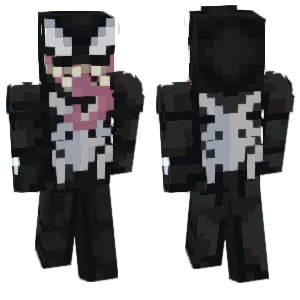
Venom Marvel's Spider-Man 2 PS5
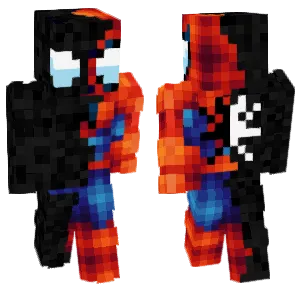
Spider-Man and Venom
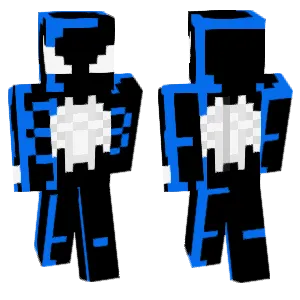
The animated series Symbiote Spider-M...

Venom

Venom

Venom

Venom

Venom

venom

venom
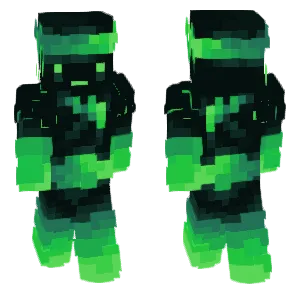
Venom Ninja


venompool
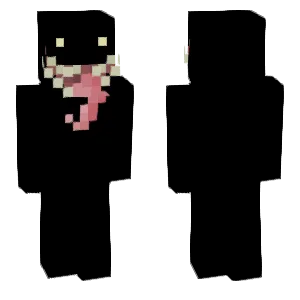
Venom

~We Are Venom~

Venom

Venom

Venom Prequel

Venom

8bit venom

Venom

Carnage Kabuto (Awakened ver.) |On...

Venom
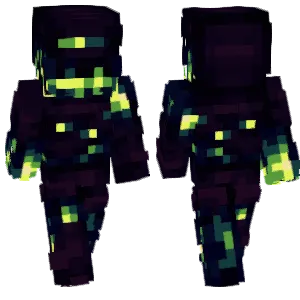
Volatile Venom
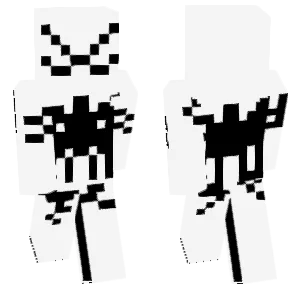
Anti Venom suit(Antidote)
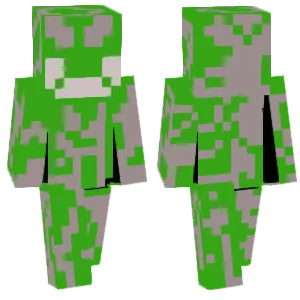
Green venom
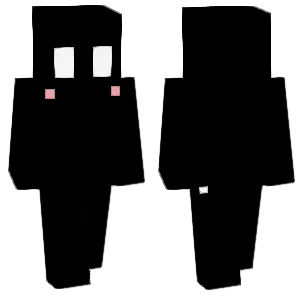
Venom Symbiote (Cute)
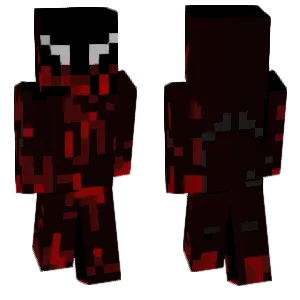
Venom
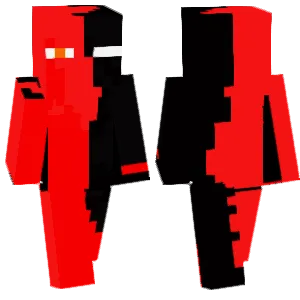
Venom possesses Little Red.

Venom
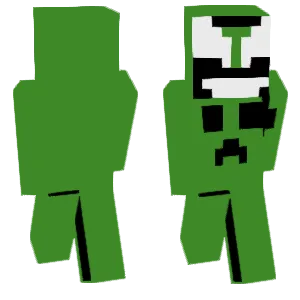
Creeper venom
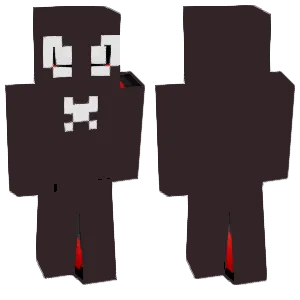
Venom

Venom possesses the red-clad person.
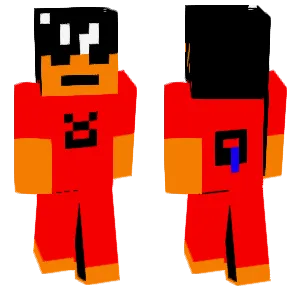
Will a poisonous snake be poisoned to death by its own venom? The red-clothed boy bitten by a snake.
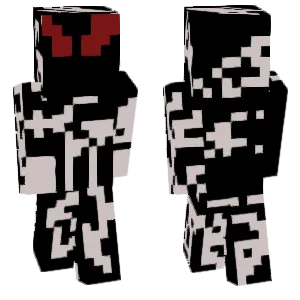
Authentic Venom
What Makes a Good Minecraft Skin
A well-crafted Venom Minecraft skin captures these essential visual elements:
- The Spider Emblem: The large white spider symbol on the chest is Venom's most iconic identifier. It should span across the torso with legs extending toward the shoulders and waist. Quality skins render this clearly with proper proportions—thick enough to read at distance but not so bulky it loses detail.
- Jagged White Eyes: Venom's large, angular white eyes are crucial for recognition. They should be asymmetrical or slightly menacing, not perfectly round. The shape typically extends outward with pointed edges, giving that alien predator look.
- The Maw: The terrifying mouth with its long tongue and sharp teeth defines Venom's horror aesthetic. On a Minecraft face, this requires careful pixel placement—white or pink for teeth, red for the tongue, creating that signature grin even in limited resolution.
- Glossy Black Texture: The symbiote's liquid-like black surface benefits from subtle shading. Use 2-3 shades of near-black and dark gray to suggest the organic, shifting nature of the alien suit. Pure flat black looks lifeless.
- Muscular Definition: Venom is massive and muscular. Skilled skin creators suggest this through shading on the arms, chest, and legs—lighter tones on muscles that catch light, darker in recesses.
- Tendrils (Optional): Some skins incorporate symbiote tendrils on the back or shoulders, adding dynamic movement suggestion to the static skin.
Popular Minecraft Skin Styles
Venom skins come in numerous variations reflecting the character's rich history:
- Classic Comic Venom: The original Eddie Brock Venom with the massive spider emblem, huge white eyes, and exaggerated muscular form. This remains the most popular and recognizable version.
- Movie Venom (Tom Hardy): Based on the 2018/2021 films, featuring a sleeker design with more realistic proportions and the distinctive movie-style face with its layered teeth rows.
- Agent Venom: Flash Thompson's military-styled Venom with a more tactical appearance, sometimes incorporating weapons or gear elements into the symbiote design.
- Anti-Venom: The white inverse of Venom with black spider emblem and eyes. A striking alternative that stands out dramatically against dark environments.
- Carnage Crossover: Red symbiote variants inspired by Venom's offspring, featuring chaotic tendril patterns and more aggressive designs.
- Venomized Heroes: Spider-Man, Wolverine, or other heroes consumed by the symbiote—popular mashup skins combining two fan favorites.
- Eddie Brock Human Form: Pre-transformation Eddie, sometimes shown mid-transformation with symbiote elements creeping across regular clothing.
About Venom
Venom first appeared in Marvel Comics in 1988, created by writer David Michelinie and artists Todd McFarlane and Mike Zeck. The character originated as Spider-Man's alien costume from the Secret Wars storyline, which was later revealed to be a living symbiotic organism. After Spider-Man rejected the symbiote, it bonded with disgraced journalist Eddie Brock, creating one of Spider-Man's most iconic adversaries.
What makes Venom unique in comic book history is the character's evolution from straightforward villain to complex antihero. Eddie Brock's hatred of Spider-Man combined with the symbiote's own rejection trauma created a villain with genuine emotional depth. Over the decades, Venom has starred in numerous solo series, becoming a Lethal Protector who fights evil while struggling with the symbiote's violent urges.
The 2018 film 'Venom' starring Tom Hardy brought the character to mainstream audiences, grossing over $850 million worldwide and spawning a sequel. The movies portrayed a more comedic buddy-cop dynamic between Eddie and the symbiote, introducing Venom to a new generation of fans.
In Minecraft communities, Venom skins have remained consistently popular since the game's early days. The character's bold black-and-white design translates exceptionally well to pixel art, and the horror elements appeal to players wanting something edgier than traditional superhero skins. Venom's popularity spiked significantly following each movie release.
How to Choose the Best Minecraft Skin
When selecting a Venom skin, evaluate these key elements:
- Spider Emblem Quality: The chest spider should be immediately recognizable. Check that the legs extend properly and the central body is well-defined. Blurry or misshapen emblems ruin the whole skin.
- Eye Design: Venom's eyes should look menacing, not cute. Look for angular, asymmetrical shapes that suggest alien predator rather than cartoon character. The white should be bright against the black.
- Mouth Execution: If the skin shows Venom's mouth, examine the teeth and tongue carefully. Good skins create readable fangs despite the pixel limitations. Poor skins have mushy, undefined mouth areas.
- Texture Depth: Avoid flat, single-shade black skins. Quality Venom skins use multiple dark tones to create depth and suggest the symbiote's organic, liquid nature.
- Back View: Check the back of the skin. The spider emblem should continue or the back should have interesting symbiote texture. Blank black backs are lazy design.
- Proportion Choice: Decide if you want comic-style exaggerated muscles or movie-style sleeker proportions. Both are valid—choose what matches your preference.
- Version Accuracy: If you want a specific Venom (movie, comic, Agent Venom), verify the skin actually matches that version's distinctive features.
Tips for Minecraft Skin Creators
For skin creators working on Venom designs:
Master the spider emblem first. This is your centerpiece. Sketch it on paper before pixeling—plan exactly how many pixels for the body, how the legs curve, where they terminate. The emblem makes or breaks a Venom skin.
Eyes require asymmetry. Perfectly symmetrical eyes look wrong on Venom. Make one slightly larger, angle them differently, add small notches or points. This creates the unsettling alien quality.
Layer your blacks. Use at least three shades: pure black (#000000) for deepest shadows, dark gray (#1a1a1a or similar) for main body, and a slightly lighter shade for highlights on muscles. This creates the glossy, living texture.
The mouth is optional but impactful. If including the fanged grin, use pure white for teeth tips, slightly darker white for inner teeth. A 2-3 pixel red tongue adds the signature Venom look. Don't overcrowd—sometimes less detail reads better.
Consider the head wrap. Venom's head isn't just a face—the symbiote wraps around entirely. The back and sides of the head need the same glossy black treatment with proper shading.
Tendrils add dynamism. Small tendril details on shoulders, back, or arms suggest the symbiote's unstable nature. Use your highlight shade to create wispy extending shapes.
Test at distance. Venom skins must read clearly when your character is small on screen. If the spider emblem and eyes aren't immediately recognizable at distance, adjust contrast and sizing.