
Enderman Minecraft Skins
Browse the best Enderman Minecraft skins featuring the iconic tall dark figure with purple eyes. Download high-quality Enderman skins and variants for Java and Bedrock.
85 skins total, page 1 of 2
The Enderman is one of Minecraft's most mysterious and iconic mobs, and Enderman skins bring that eerie presence to player characters. The tall, dark silhouette with glowing purple eyes creates an instantly recognizable look that works across all biomes. Whether you want to embody the End dimension's signature creature, create a spooky presence on servers, or simply love the sleek black-and-purple aesthetic, an Enderman skin delivers otherworldly style with clean visual impact.
Browse 85 Enderman Minecraft Skins
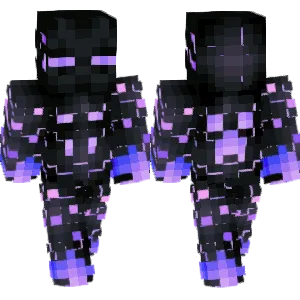
Futuristic Enderman
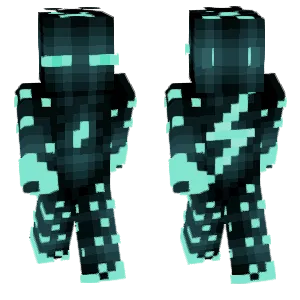
Cyber enderman

fire enderman

Enderman

🔥Flame Enderman
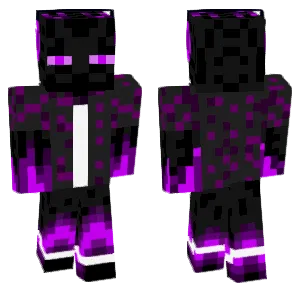
Purple Suited Enderman
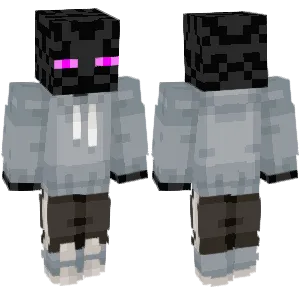
Enderman Hoodie V2
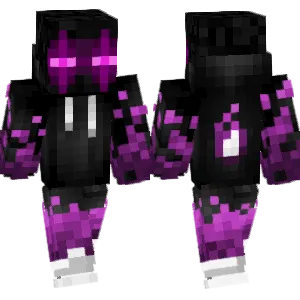
Enderman with purple flames

Fire Enderman Gamer
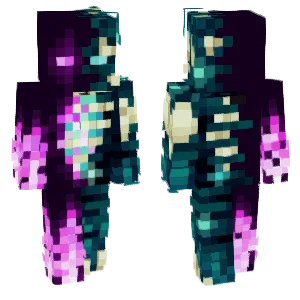
Enderman Skeleton
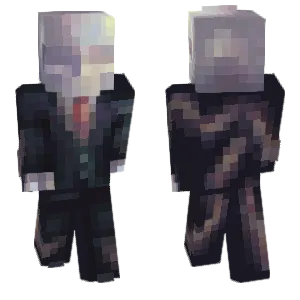
Slenderman
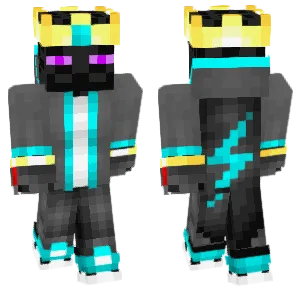
King Enderman
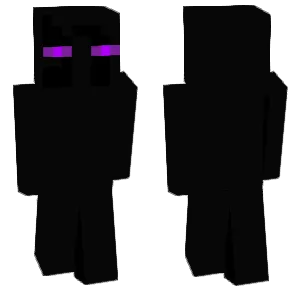
Enderman(末影人)
untitled_

Enderman

Enderman gamer

Enderman paints a painting
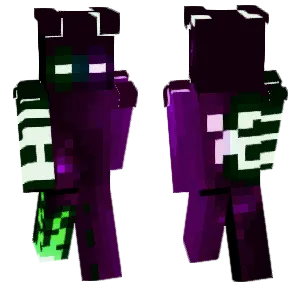
Enderman
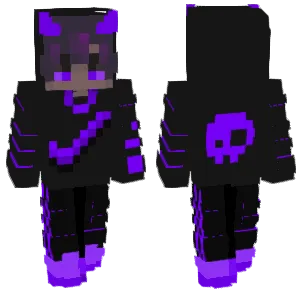
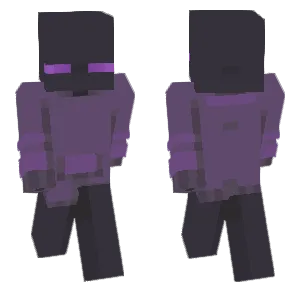
enderman.
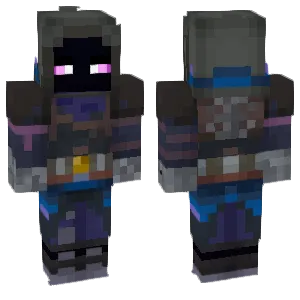
future enderman
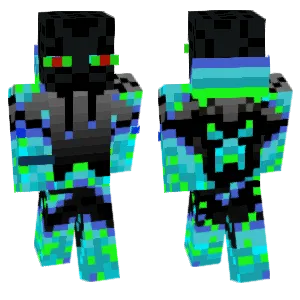
ice enderman
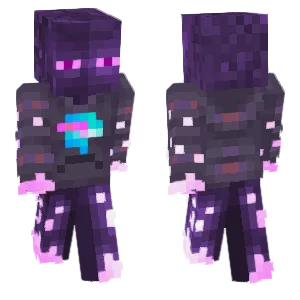
Enderman with MrBeast sweater
riverr
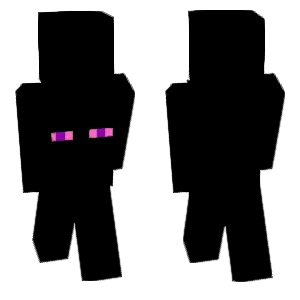
Enderman Cloak
![+ The Enderman [End Series] +](https://s.mcskins.org/snap/4c/4caa5ff0-94f2-4c46-bacd-08b2d822b84f.webp)
+ The Enderman [End Series] +
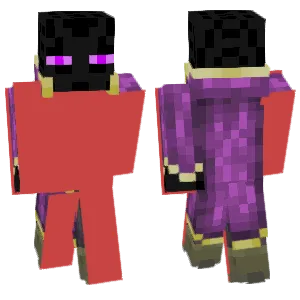
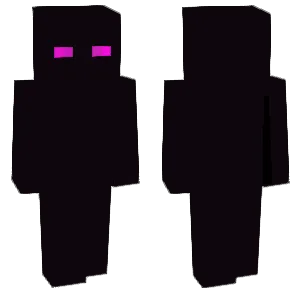
Enderman
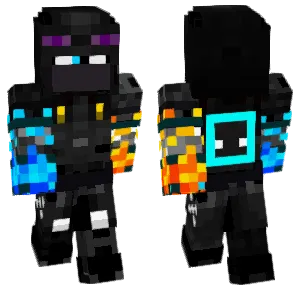
sqrEnderman
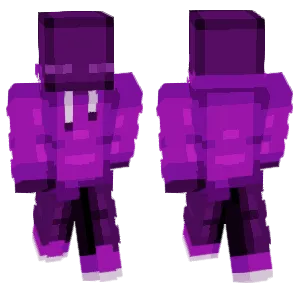
~ enderman ~
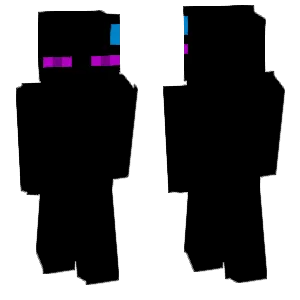
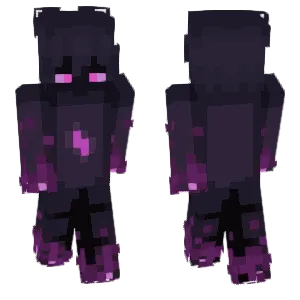
Enderman

Enderman
Slenderman
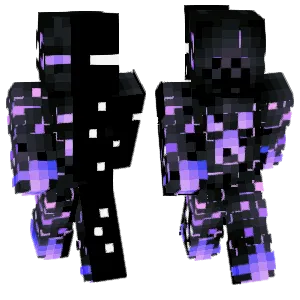
Unknown Enderman
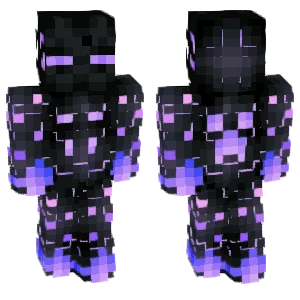
Future Enderman
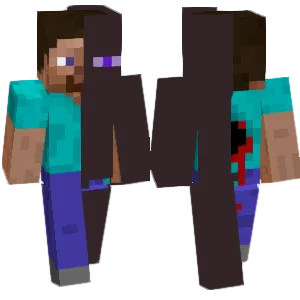
Infected by Steve's Enderman
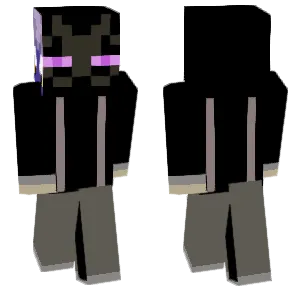
The Enderman wearing Kunkun's clothes.
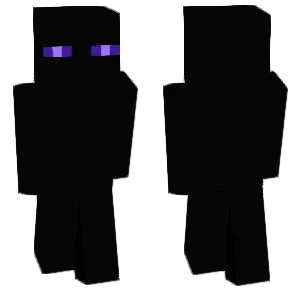
Enderman
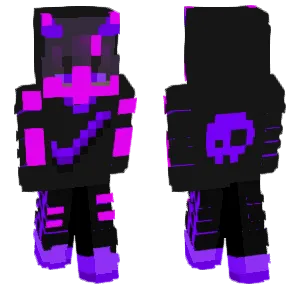
Enderman Player
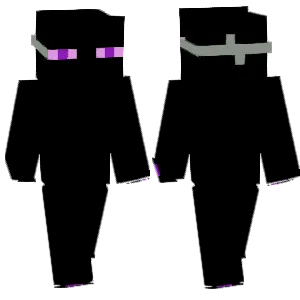
The Vanished Enderman
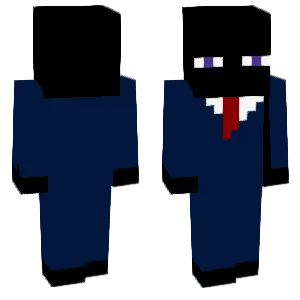
Untitled Enderman Management
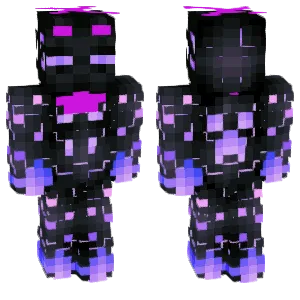
The Enderman will be replaced by the Future Enderman in the future.
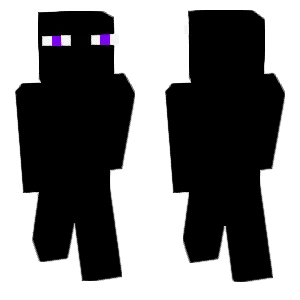
Transparent Enderman
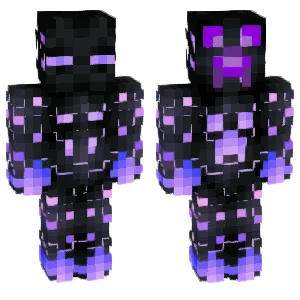
Future Enderman
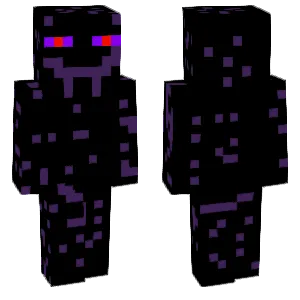
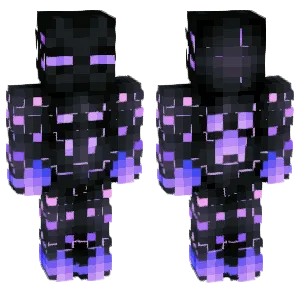
Future Enderman
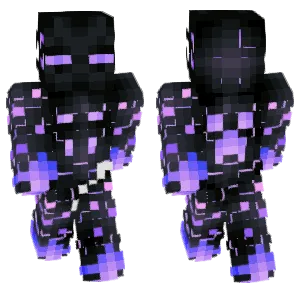
Future Enderman
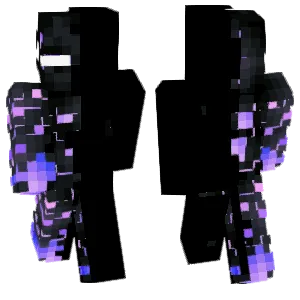
Future Enderman
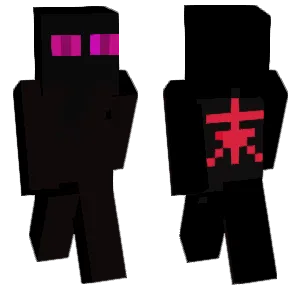
Enderman
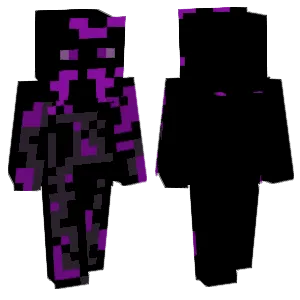
Mutant Enderman

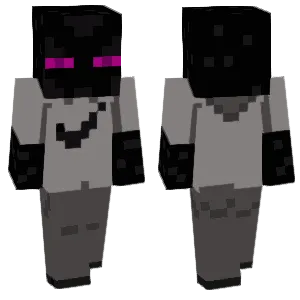
Trendy Enderman
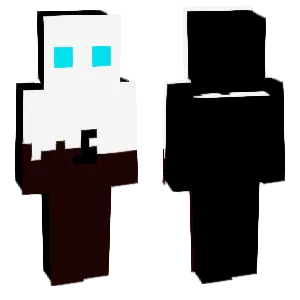
White enderman
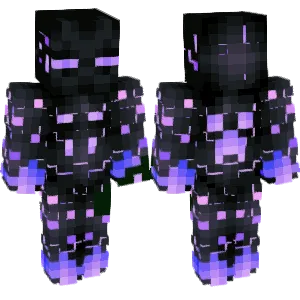
Future Enderman
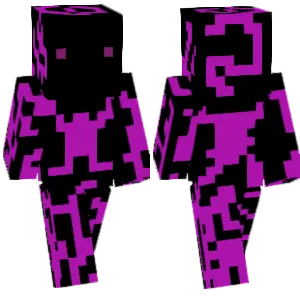
Upgraded Enderman

Enderman
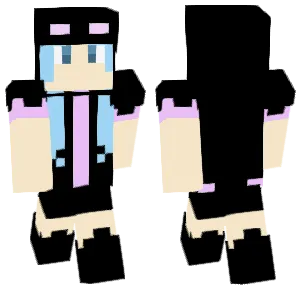
enderman
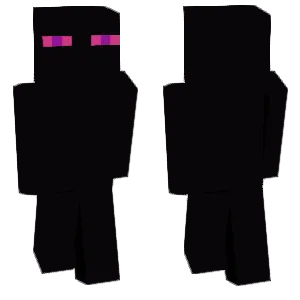
Enderman Yangge star
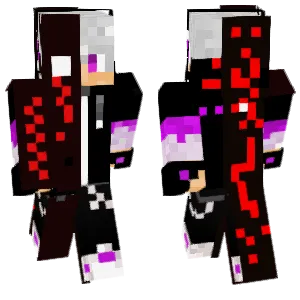
Enderman Boy
dytdtyjdjrydjytthydrgdhtnhtrsrghstgsrfshgrhtshgrshrgsrtdsrtdthysrhtshtrs
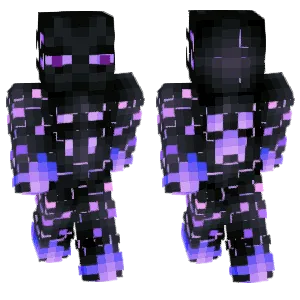
Future Enderman
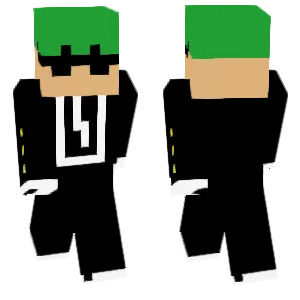
瑞恩•安德曼 (Ryan•Enderman)
What Makes a Good Minecraft Skin
A well-designed Enderman Minecraft skin captures the mob's signature visual elements:
- Purple Eyes: The glowing purple/magenta eyes are the Enderman's most critical feature. They should be bright, clearly defined, and placed correctly on the head texture. The eyes create the focal point that makes the skin instantly recognizable.
- Dark Body: The near-black body color is essential. Quality skins use very dark grays or blacks with subtle variation to maintain depth without losing the "void creature" feel. Pure black can flatten in dark environments.
- Particle Effects (Optional): Some skins suggest the floating purple particles through small purple accents on the body or limbs. This is optional but adds character when done subtly.
- Tall Aesthetic: While Minecraft skins can't change proportions, quality Enderman skins use shading to emphasize verticality—darker on the sides, slightly lighter in the center to create a slim, elongated impression.
Popular Minecraft Skin Styles
Enderman skins come in several creative directions:
- Classic Enderman: Pure mob recreation with black body and purple eyes. Best for instant recognition and mysterious presence.
- Humanoid Enderman: Human-like features (face, clothing) while maintaining the black-and-purple color scheme and eye glow. Popular for roleplay scenarios.
- Ender Hoodie: Human character wearing Enderman-themed clothing—black hoodie with purple accents and Enderman eyes on the hood. A "fan skin" approach.
- White/Albino Enderman: Inverted color scheme with pale body and contrasting eyes. A striking variant that maintains the silhouette but creates visual surprise.
- Corrupted/Glitched: Distorted patterns suggesting digital corruption or dimensional instability. Appeals to players wanting an edgier interpretation.
- Ender Dragon Hybrid: Combines Enderman elements with dragon features—wings suggested on the back, scaled textures. Popular in End-themed servers.
About Enderman
The Enderman was added to Minecraft in Beta 1.8 (2011), becoming one of the game's most distinctive and unsettling mobs. Inspired by the Slender Man internet folklore, Endermen are tall, black creatures that teleport, pick up blocks, and become hostile when players look directly at their eyes.
Endermen are native to The End dimension but spawn in the Overworld at night. Their behavior—peaceful until provoked by eye contact—created one of Minecraft's most memorable gameplay mechanics. The purple eyes and particle effects tie them visually to the End dimension, Ender Pearls, and the Ender Dragon.
In Minecraft communities, Enderman skins are popular for their mysterious aesthetic and association with the game's endgame content. The simple color palette (black + purple) translates well to pixel art, and the glowing eyes create a distinctive focal point that reads clearly at any distance.
How to Choose the Best Minecraft Skin
When selecting an Enderman skin, check these key points:
- Eye clarity: The purple eyes should be bright and clearly visible against the dark body. If the eyes don't pop immediately, the skin loses its identity.
- Dark body readability: Zoom out and check if the body still has visible shape in dark lighting. Pure black flattens; quality skins use subtle gray variation to maintain form.
- Side and back views: Rotate the preview. The dark body should have consistent shading on all sides, not just the front. Check that any purple accents wrap logically.
- Proportion illusion: Good Enderman skins use vertical shading lines or lighter center panels to suggest the mob's tall, slim proportions within Minecraft's standard skin dimensions.
- Eye placement: The eyes should be at the correct height on the head—roughly eye-level for a standard skin, not too high or too low.
Tips for Minecraft Skin Creators
For skin creators working on Enderman designs:
Eyes are everything. Start with the purple eyes on the head texture. Use bright magenta/purple (#FF00FF or similar) with a slightly darker outline. The eyes should be 2-3 pixels wide and clearly defined.
Black isn't just black. Use 2-3 very dark tones: near-black base (#0a0a0a), dark gray mid-tone (#151515), and subtle highlight (#202020). This prevents the body from becoming a shapeless void.
Vertical emphasis. Add subtle vertical lines or center highlights to suggest the Enderman's tall proportions. This creates the illusion of height within the standard skin format.
Particle accents (optional). If adding purple particle suggestions, keep them minimal—a few scattered purple pixels on shoulders, arms, or legs. Too many breaks the clean silhouette.
Test in dark environments. Preview your skin in caves or at night. The body should still have visible shape, not disappear into shadows. Adjust gray values if needed.
Mouth is optional. Classic Endermen have a simple dark mouth shape. Some skins include it, others omit it for a cleaner look. If including it, keep it subtle—don't let it compete with the eyes.